By pittsburgh-merchantservices February 7, 2026
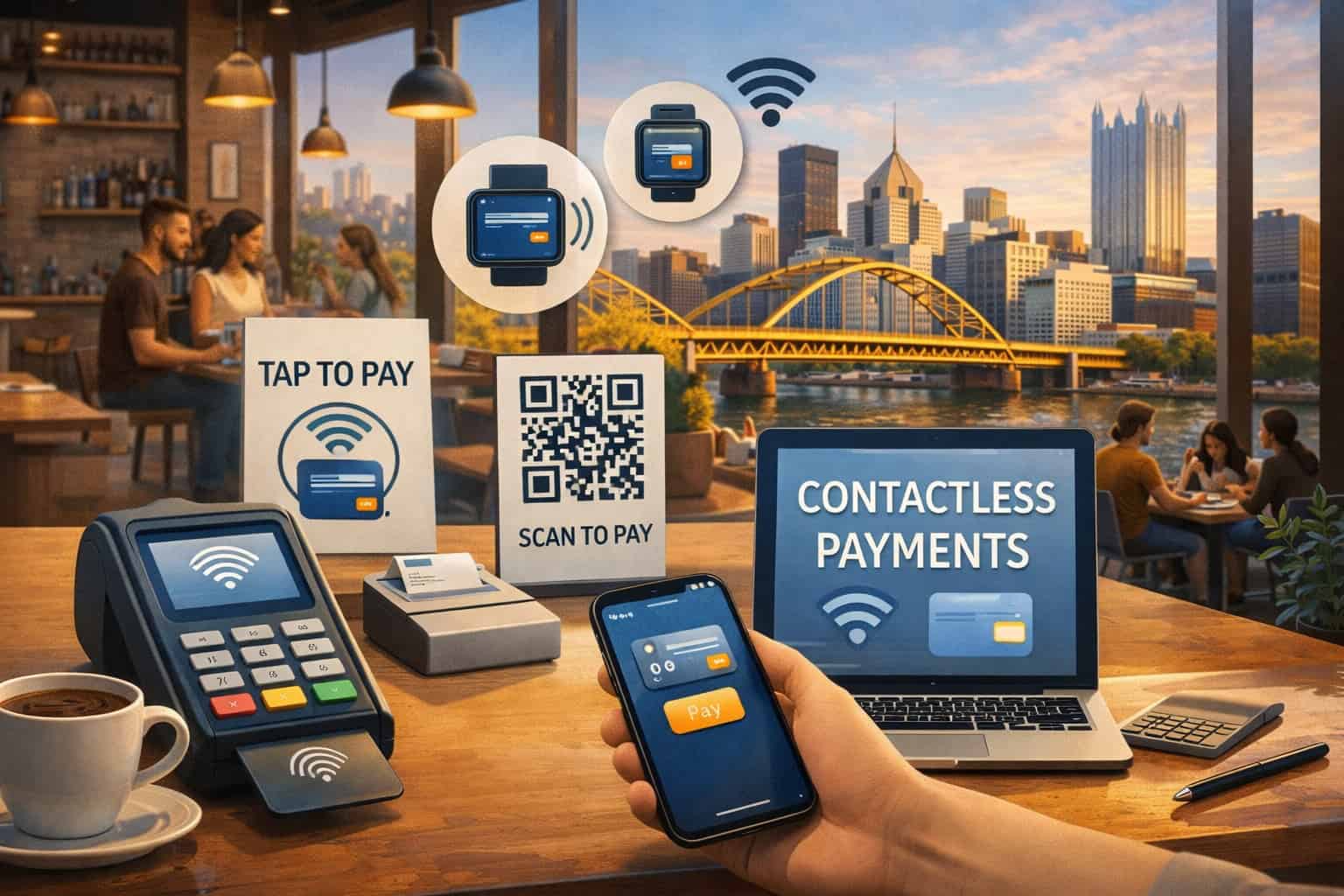
Downtown Pittsburgh cafes live and die by speed, convenience, and repeat customers. Morning rushes near Market Square, the Cultural District, the Steel Tower corridor, and Gateway Center demand transactions that are quick, predictable, and low-friction.
That’s where contactless payments shine: tap-to-pay cards, mobile wallets, and “tap on phone” acceptance can cut checkout time, reduce queue stress, and improve the guest experience without changing your menu or brand.
Downtown also has unique operating realities that make contactless payments even more valuable. Market Square alone draws millions of visitors annually and is undergoing major modernization meant to support more events and foot traffic, which typically increases peak-volume spikes for nearby cafes.
Those spikes are exactly when slow payments hurt the most—lines form, guests abandon purchases, and staff gets overwhelmed. A properly configured contactless payments setup helps you keep throughput high while protecting margins, because faster lines often mean more orders per hour and fewer “I’ll come back later” losses.
This guide walks you through a practical, modern contactless payments rollout for downtown Pittsburgh cafes—from technology choices to security, staff training, and future-proofing—so you can accept taps confidently today and stay ready for what’s next.
Why Contactless Payments Matter for Downtown Pittsburgh Cafes
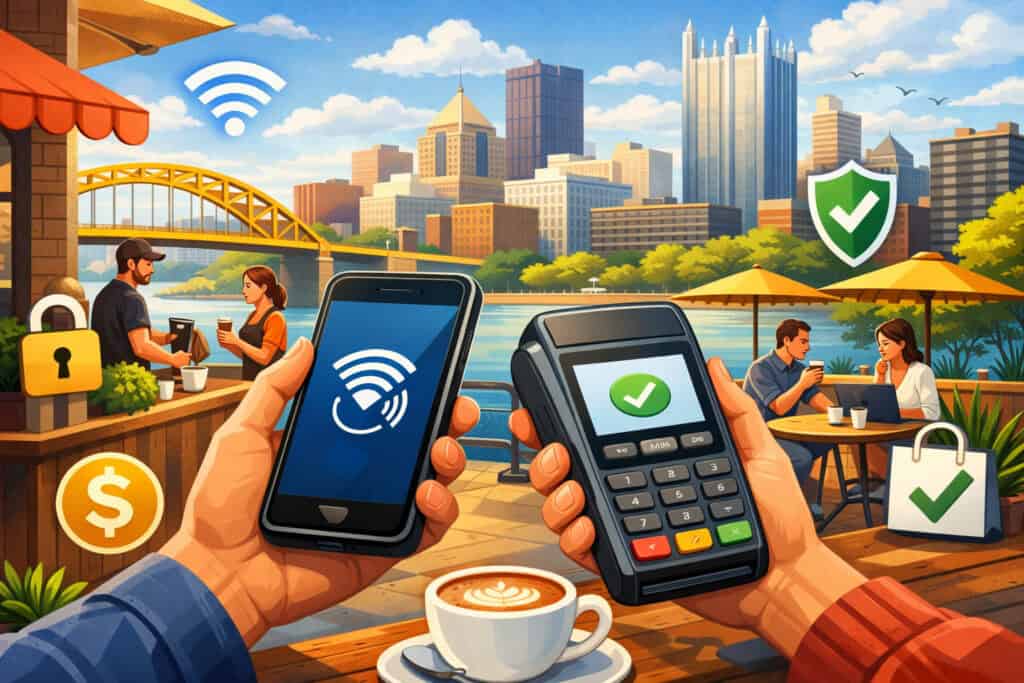
Downtown customers increasingly expect contactless payments as a default option, not a premium feature. Many guests step into a cafe with a phone in hand and earbuds in, planning to tap and go. When a terminal forces chip insert or swipe fallback, it adds friction right at the moment your service should feel effortless.
Contactless payments also reduce the “handoff” points where mistakes happen—wrong totals, awkward tip prompts, slow approvals, and the extra seconds it takes to handle cards during a rush.
For downtown Pittsburgh specifically, events and construction shifts can change foot-traffic patterns quickly. Renovations and modernization work in and around Market Square have been actively shifting how pedestrians move through the area, and businesses often experience uneven surges depending on closures and event programming.
When your cafe suddenly gets slammed, your payment lane needs to be the least complicated part of the operation. Contactless payments help you run a “single motion” checkout: ring → tap → receipt, which is ideal for coffee lines.
There’s also a trust element. When guests tap with a phone wallet, they often perceive it as safer than swiping, and they like not handing over the card.
Under the hood, mobile wallets rely heavily on tokenization concepts used across modern payments ecosystems, meaning the card number isn’t simply “passed through” the same way older magnetic-stripe flows worked.
That combination—speed plus perceived safety—can increase adoption and reduce “do you take Apple Pay?” questions at the counter, while making your cafe feel modern and easy to buy from.
How Contactless Payments Work (So You Can Choose the Right Setup)
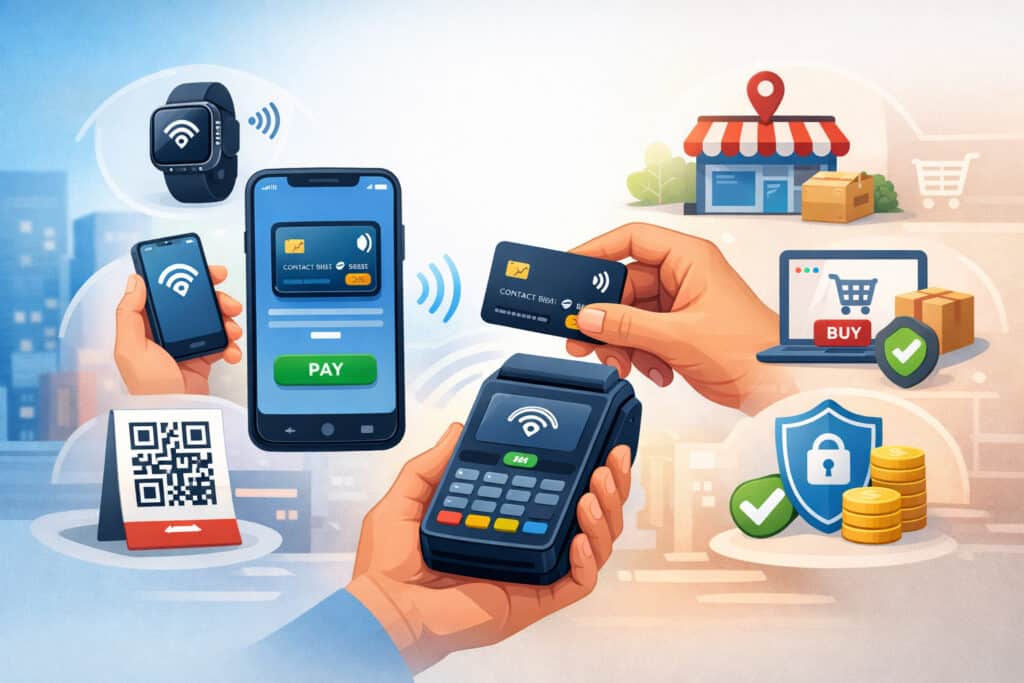
At a high level, contactless payments in a cafe usually mean one of three experiences:
- tap-to-pay card (contactless EMV),
- phone wallet tap (NFC), or
- QR-based pay-at-table/order-ahead.
In downtown Pittsburgh cafes, the first two cover most counter-service needs, while QR can complement seating areas and reduce counter crowding.
EMV Contactless and NFC: What’s Happening During a Tap
When a customer taps a card or phone, the terminal and payment device communicate using standards designed for secure transactions. EMVCo publishes specifications for EMV contactless chip behavior and acceptance terminals, which is the foundation for the “tap” experience across major networks.
In a practical cafe sense, this matters because it explains why a modern terminal (and a properly configured POS) is non-negotiable: older readers might accept taps unreliably, handle fallbacks poorly, or fail to support newer wallet behaviors.
Phone wallets add another layer: tokenization. In simplified terms, tokenization replaces sensitive card data with a token so the merchant environment is not repeatedly handling the raw card number. EMV payment tokenization is specifically meant to increase payment data protection for mobile and digital transactions.
For cafes, the key takeaway is not to obsess over the physics of NFC, but to demand the right capabilities from your processor and POS: support for tap, wallet acceptance, and modern security controls.
Tap to Phone: Turning a Smartphone into a Payments Terminal
A major 2025–2026 trend is “tap to phone,” which lets some businesses accept contactless payments directly on compatible smartphones (typically Android; availability depends on providers and certifications).
Visa has reported significant worldwide growth in tap-to-phone adoption, highlighting momentum for small merchants and mobile sellers. Mastercard has also promoted “Tap on Phone” style capabilities across many markets as a flexible acceptance option.
For downtown Pittsburgh cafes, tap-to-phone can be a backup lane (when your main terminal is busy), a patio/sidewalk line-buster during events, or a pop-up solution for seasonal windows. The operational advantage is speed of deployment: fewer cables, fewer docking stations, and the ability to move acceptance to where the customer is standing.
Step 1: Map Your Cafe’s Payment Moments Before You Buy Anything
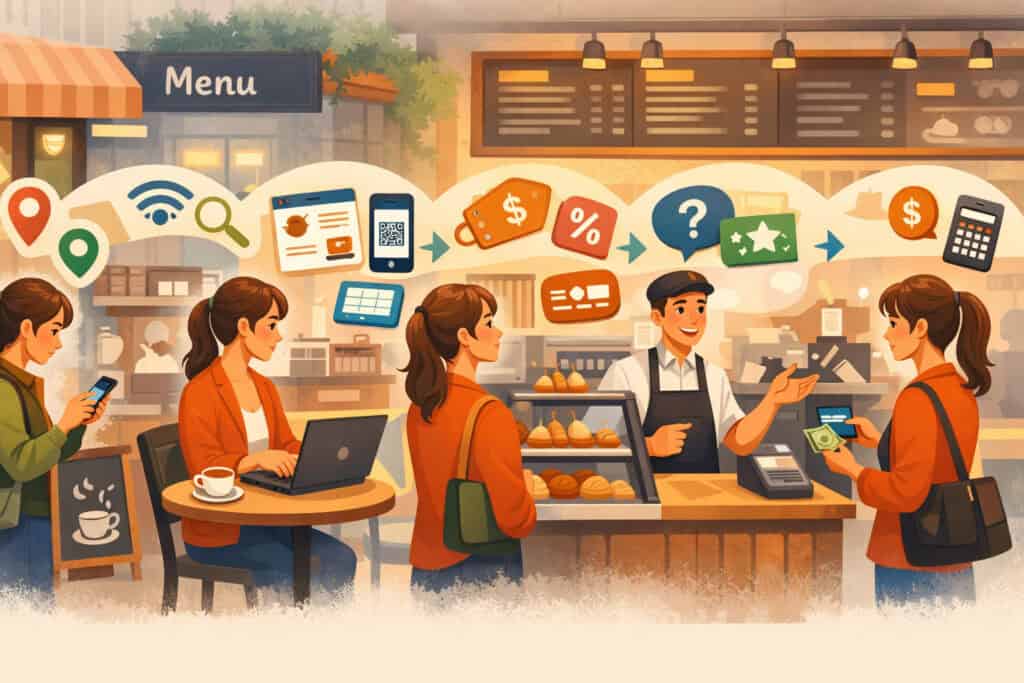
The best contactless payments implementation starts with a simple mapping exercise: list every moment a customer might pay, then decide how you want that moment to feel.
In a downtown Pittsburgh cafe, you typically have at least three payment moments: counter ordering, grab-and-go retail (beans, mugs, pastries), and possibly table service or self-serve add-ons.
If you do catering or delivery to nearby offices, you also have invoice payment moments that can benefit from links, QR invoices, or stored credentials.
Start by documenting peak bottlenecks: Is it order taking? Drink production? Or the payment handoff? Many cafes assume the bar is the bottleneck, but in practice the payment step is often the “line multiplier.”
If the payment interaction takes 8–12 seconds longer than it should, your line grows faster than your staff can recover. Contactless payments can cut those extra seconds by reducing insert prompts, chip-read delays, and the awkward “please insert again” retries.
Next, decide your priorities. If speed is #1, you want an ultra-reliable tap reader, a POS with quick tender screens, and simple tip flows.
If average ticket size is #1, you might focus on upsell prompts, suggested tips, and loyalty integration—but still keep contactless payments friction low so you don’t lose customers with slow approvals.
If reducing fraud/chargebacks is #1 (especially for high-dollar retail items), you may configure receipts, AVS for keyed transactions, and strict fallback policies while keeping tap as the default.
Finally, match the map to hardware placement. Downtown cafes often have tight counters. The best contactless payment lanes are built around ergonomics: the customer can tap without twisting, the employee can keep eyes on the guest, and receipts (digital or paper) are available without clutter.
Step 2: Choose the Right POS and Hardware for Downtown Conditions
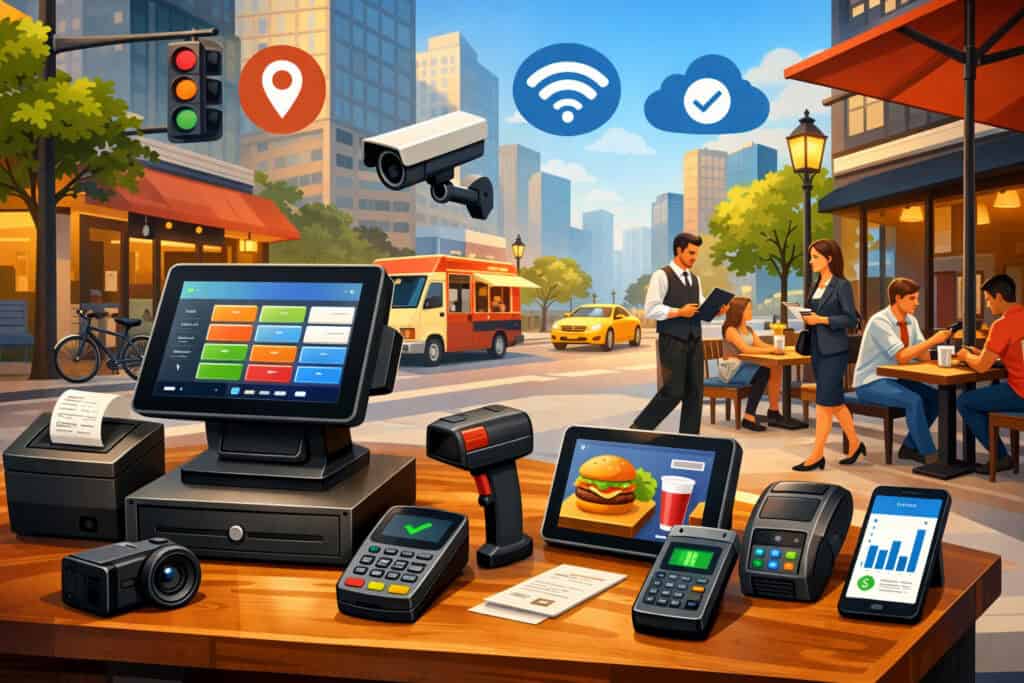
Your POS is the brain of contactless payments, and your hardware is the muscle. A good setup is not “any terminal that beeps.” It’s a combination of: reliable tap acceptance, fast UI, clean tipping flow, stable connectivity, and support for modern security requirements.
Counter-Terminal Selection: Reliability Beats Fancy Features
For a downtown Pittsburgh cafe, you want a terminal that handles contactless payments flawlessly in high-volume bursts. Look for EMV contactless support, strong Wi-Fi performance, and durable build quality (coffee environments are messy). If your terminal frequently drops network or needs reboots, it will erase the time savings of tap-to-pay and frustrate staff.
Prioritize fast authorization routing and a processor/POS pairing with proven uptime. Your guests won’t care about a flashy screen if taps fail during the morning rush.
Ask your provider for: supported terminal models, warranty process, replacement timelines, and whether terminals receive security updates. You also want a clear path to add a second lane later—many downtown cafes underestimate how quickly a second contactless payments terminal pays for itself once foot traffic grows.
Mobile Readers and Line-Busting for Events
Downtown activity can surge during festivals, concerts, and major community programming. Being able to accept contactless payments away from the main counter can save you when the line hits the door.
Mobile readers or tap-to-phone acceptance can create a “queue-busting” workflow: one staff member takes payment while another fulfills orders. Visa’s reported growth in tap-to-phone adoption aligns with this practical use case—small sellers want flexible acceptance without heavy equipment.
Even if you don’t plan to use mobile acceptance daily, consider it an operational safety net. If a terminal fails, if the counter gets crowded, or if you do sidewalk sampling, mobile contactless payments keep revenue flowing.
The key is to ensure your POS supports it cleanly: same menu, same taxes, same receipts, same reporting—otherwise you’ll create reconciliation headaches.
Step 3: Configure Contactless Payments the Right Way (Not Just “Turn It On”)
Once you have a POS and terminals, configuration is where downtown cafes win or lose. Poorly configured contactless payments can create confusing prompts, slow tip screens, and inconsistent receipts. Proper configuration makes payments feel invisible.
Tipping, Receipts, and Speed Settings
If you accept tips, configure the tip screen so it’s fast and clear. Use 3–4 suggested tip buttons and a custom option. Avoid too many prompts. The goal is to keep contactless payments quick while still giving customers an easy way to tip.
Receipts should default to digital when possible. Paper receipts slow lines, clutter counters, and cost money. Offer SMS/email receipts with a single tap and a “no receipt” option. During peak downtown traffic, staff should not be hunting for receipt paper.
Also configure your tender flow so the terminal is ready before the customer reaches the reader. The best contactless payments experience is proactive: ring up → terminal immediately shows “Tap/Insert/Swipe.” Train staff to present the reader naturally (tilt/turn toward the guest) rather than sliding it across awkwardly.
Fallback Rules: Protect Yourself Without Hurting Customers
Set sensible rules for when chip or swipe fallback is allowed. Fraud risk is higher on older methods, so your policy should encourage taps and chip inserts over swipe.
Many cafes choose to disable swipe where possible or require manager intervention for repeated fallbacks. The exact options depend on your POS and processor, but the strategic idea is consistent: contactless payments should be the default, while riskier methods become exceptions.
If you accept manual entry (keyed), reserve it for true exceptions (phone orders, rare situations). For downtown Pittsburgh cafes, keyed entry at the counter is often a recipe for mistakes and chargebacks. Keep contactless payments and chip as your primary “in-person” methods and reduce edge cases.
Step 4: Security, PCI DSS 4.0, and Practical Compliance for Cafes
Security isn’t optional, and it’s not only for big chains. Cafes handle hundreds of transactions weekly, which makes them attractive targets for opportunistic fraud and data theft. A modern contactless payments setup reduces risk, but only if your environment and practices are aligned with current standards.
What Changed with PCI DSS 4.0 (And Why Cafes Should Care)
PCI DSS v4.0 replaced older versions and introduced new requirements with a transition window. PCI Security Standards Council materials describe how v3.2.1 retired and how future-dated v4.0 requirements became effective after the transition period (with many new requirements phased in by March 31, 2025).
For cafe owners, the practical implication is simple: if you’re still using outdated terminals, unmanaged Wi-Fi, shared logins, or weak passwords, you’re increasingly out of step with modern expectations.
Even if your processor says you’re “covered,” PCI responsibility is shared. Use unique logins, restrict admin access, keep POS devices updated, and segment networks so guest Wi-Fi is not the same as your POS network. Make sure your contactless payments terminals are encrypted and that your POS provider supports modern security controls.
Pennsylvania Data Breach Obligations You Should Know
Beyond PCI, Pennsylvania has breach notification expectations that can affect businesses handling data on residents, especially if a breach involves personal information.
The state attorney general’s BPINA resources describe amendments approved in 2024 with an effective date in late September 2024 and outlines notification and security standards for entities maintaining computerized data.
The takeaway for downtown Pittsburgh cafes isn’t to panic—it’s to minimize what you store. Don’t store card numbers. Don’t email sensitive payment details. Use reputable processors and tokenization where applicable.
The less data you retain, the smaller your exposure if something goes wrong. A clean contactless payments setup with modern terminals helps reduce your risk footprint.
Step 5: Managing Fees and Protecting Margins Without Ruining the Guest Experience
Fees matter in coffee. If your average ticket is $6–$12, a small shift in processing costs can add up fast. Contactless payments themselves don’t automatically mean higher costs than chip; what usually affects cost is the card type (rewards, premium), how the transaction is routed, and whether your business is set up optimally.
Start by understanding your pricing model with your processor: interchange-plus, flat rate, or tiered. Ask for transparency on effective rate, monthly minimums, statement fees, and chargeback fees.
If you do a lot of small tickets, ask about small-ticket optimization and debit routing strategies that can reduce costs while still supporting contactless payments smoothly.
Also watch your “soft costs”: slow terminals, downtime, and confusing prompts can cost more than a small pricing difference. In a downtown Pittsburgh cafe, losing five customers during a rush because the line looks slow is a margin problem too.
You’re not only paying fees—you’re paying opportunity cost. Fast contactless payments can increase throughput, which often offsets a portion of processing expenses.
Finally, be cautious with heavy-handed checkout prompts. Aggressive tipping screens or too many add-ons can backfire and slow taps. The best margin strategy is balanced: optimize menu pricing, reduce waste, streamline labor, and keep contactless payments fast so you serve more people per hour.
Step 6: Staff Training and Customer Experience Design (Where Most Rollouts Fail)
The most common reason contactless payments rollouts disappoint is not technology—it’s people and process. If staff doesn’t trust the terminal, they’ll default to chip inserts.
If they don’t know the quick fixes, they’ll restart the transaction unnecessarily. If they don’t understand how to position the reader, customers will hesitate, ask questions, and slow the line.
Train staff with a “tap-first script.” Example: “You can tap your card or phone right here.” Repeat it until it’s automatic. When guests hear “tap,” they act faster. Create a simple troubleshooting flow:
- If the tap fails once, try again (positioning).
- If it fails twice, insert a chip.
- If the chip fails, move to a backup terminal or manager assist.
This reduces panic and keeps contactless payments moving.
Design the counter experience too. Place the terminal where customers naturally stop. Add small signage: “Tap to Pay Accepted.” Don’t clutter the counter with too many tip jars, QR codes, and donation prompts.
If you offer order-ahead, make pickup flow separate from payment flow so your contactless payments lane stays clear.
Most importantly, role-play the rush. Run a 15-minute simulation with staff: 30 transactions, mixed payments, a few declines, a few split tenders. The goal is to make contactless payments the smoothest part of the day, not the surprise stress point.
Step 7: Future-Proofing Your Cafe’s Contactless Payments Setup (2026–2030)
Payment expectations keep moving. The cafes that win downtown are the ones that treat contactless payments as a platform—something you can extend—rather than a one-time install.
The Next Wave: More Tap-to-Phone, More Tokenization, More “Invisible” Checkout
Tap-to-phone adoption is growing, and networks continue to push mobile acceptance capabilities that reduce hardware friction. Visa has highlighted strong year-over-year growth in tap-to-phone usage, suggesting momentum that will likely keep expanding.
Mastercard continues positioning Tap on Phone-style acceptance as a flexible option for sellers and queue-busting environments. For downtown Pittsburgh cafes, this points to a likely near-future where a manager phone can become an emergency terminal, and pop-up carts can accept contactless payments without investing in full terminal stacks.
Tokenization will also deepen. EMVCo’s tokenization framework is designed to increase protection of payment data while supporting new ways to pay across in-store and digital experiences.
That matters because as your cafe expands into subscriptions (coffee clubs), stored-value, or order-ahead apps, tokenization reduces risk and improves approval stability.
Downtown-Specific Prediction: Event-Driven Peaks Will Reward Fast Payments
Downtown revitalization and infrastructure projects aim to increase foot traffic and event programming. Market Square modernization and plans to showcase improvements around major events indicate a direction toward more concentrated peaks.
In that environment, cafes that keep contactless payments fast—while also offering mobile order-ahead and quick pickup—will capture the “impulse buyer” crowd during peaks.
A practical 2030-ready mindset is: fewer fixed lanes, more flexible acceptance, more digital receipts, and tighter integration with loyalty. Your contactless payments system should support: second terminals, mobile backups, and clean reporting across all channels.
FAQs
Q1) Do contactless payments cost more than chip payments?
Answer: In most in-person scenarios, contactless payments are priced similarly to chip because both are EMV-based card-present methods. Your costs are usually driven by card type (basic vs rewards), routing, and your pricing model with the processor.
The best way to manage this is to review your monthly effective rate and optimize your setup for small tickets while keeping contactless payments reliable and fast.
Q2) What’s the safest way to accept contactless payments in a cafe environment?
Answer: Use modern EMV-capable terminals, keep POS software updated, segment your networks, and avoid storing card data. EMV tokenization frameworks are built to reduce exposure of sensitive payment data in mobile and digital contexts.
A strong contactless payments setup plus good operational hygiene (unique logins, restricted access, secure Wi-Fi) is the safest practical path.
Q3) Should my cafe use tap-to-phone as a primary terminal?
Answer: For most cafes, tap-to-phone is best as a secondary lane or backup. It’s excellent for line-busting, patio service, or pop-up carts, and network coverage suggests it’s a growing acceptance method. But your primary lane should still be a dedicated terminal integrated into your POS for speed, stability, and cleaner reporting for contactless payments.
Q4) What signage actually helps increase contactless payments usage?
Answer: Simple, visible signage at the decision point works best: “Tap to Pay Accepted” placed where customers line up and where they face the terminal. Avoid clutter. The goal is to reduce questions and make contactless payments feel normal.
Q5) What’s the biggest mistake cafes make when setting up contactless payments?
Answer: They buy hardware and assume the job is done. The real work is configuration and training: tip flow, receipt defaults, fallback rules, and staff habits. If staff doesn’t lead with “tap,” customers won’t either, and your contactless payments benefits won’t show up in line speed.
Q6) How do downtown construction and events affect payment strategy?
Answer: They create unpredictable surges and reroute foot traffic. Market Square modernization phases and downtown event planning can shift where crowds appear and when. Flexible lanes—extra terminals, mobile acceptance, and fast contactless payments—help you capture revenue during those spikes.
Conclusion
Setting up contactless payments in a downtown Pittsburgh cafe is no longer a “nice-to-have.” It’s a competitive advantage that protects your rush hours, improves guest satisfaction, and keeps your operation resilient when foot traffic surges.
The best results come from doing more than enabling tap: you map your payment moments, choose reliable POS and terminals, configure tips and receipts for speed, and train staff to lead with “tap-first” habits.
Modern standards and guidance—from EMV contactless specifications to tokenization frameworks—exist to keep these transactions fast and secure. Meanwhile, evolving security expectations and state-level breach obligations make it smarter than ever to minimize data exposure and keep systems updated.
Downtown continues to evolve with major projects and event-driven peaks that reward cafes built for throughput. If you build your contactless payments setup as a platform—ready for second lanes, mobile backups, and new wallet behaviors—you won’t just keep up.
You’ll serve faster, feel more professional, and capture more of the customers who are already walking past your door, phone in hand, ready to tap.