By pittsburgh-merchantservices October 1, 2025
Integrating a payment gateway with a point-of-sale (POS) system is a crucial step for businesses aiming to provide seamless, secure, and flexible payment experiences for their customers.
With the rise of digital transactions, mobile wallets, and omnichannel commerce, businesses can no longer rely solely on cash or manual payment processes. Instead, they need robust systems that allow them to accept payments efficiently, track sales data, and protect sensitive customer information.
A payment gateway acts as the secure bridge between a POS system and the acquiring bank, ensuring that customer payments (whether via debit card, credit card, mobile payment, or digital wallet) are authorized and processed in real time.
A POS system, on the other hand, is the software and hardware businesses use to handle sales, inventory, and customer data. When these two technologies are properly integrated, businesses benefit from faster transactions, reduced human error, enhanced security, and better customer satisfaction.
This guide provides a step-by-step, detailed breakdown of how businesses can integrate payment gateways with their POS systems, the benefits of doing so, the challenges they may face, and best practices to ensure a smooth implementation.
Whether you are a small retailer, a restaurant, a healthcare provider, or an e-commerce business with physical outlets, this article will help you understand the full scope of integration.
Understanding the Basics of Payment Gateways and POS Systems
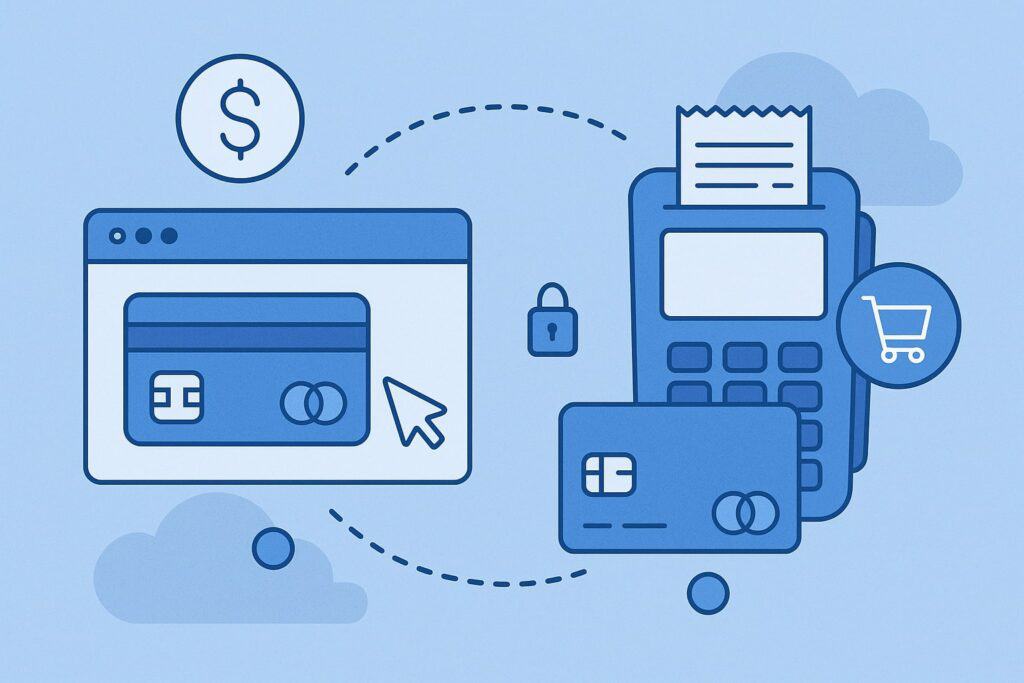
A payment gateway is essentially the digital cashier of your business. It securely transmits customer payment data from the POS system to the acquiring bank and back, confirming whether the transaction was approved or declined.
Gateways typically support multiple payment types: credit cards, debit cards, ACH payments, mobile wallets (Apple Pay, Google Pay), QR code payments, and even cryptocurrency in some cases.
A POS system, meanwhile, is far more than just a cash register. Modern POS systems are all-in-one business management tools that handle sales, manage inventory, track employees, record customer data, generate reports, and sync with e-commerce platforms.
Popular POS providers like Square, Clover, Toast, and Lightspeed have built-in payment integrations, but many businesses also choose third-party gateways for specific needs like lower processing fees or broader global acceptance.
Why Integration Matters
Without integration, businesses often deal with manual reconciliation, where sales data is recorded separately from payment data. This leads to inconsistencies, inefficiencies, and accounting headaches. By integrating the POS system with a payment gateway:
- Transactions are automatic: No double-entry or manual data transfer.
- Errors are reduced: Fewer discrepancies between sales and bank deposits.
- Reporting is unified: You get a clear, real-time picture of sales and revenue.
- Customer experience improves: Payments are fast, secure, and flexible.
In short, integration is no longer optional—it is the backbone of modern commerce. The next sections dive into step-by-step integration processes, technology requirements, and industry best practices.
Step-by-Step Guide to Integrating Payment Gateways with POS Systems
Integrating a payment gateway with a POS system involves several technical, compliance, and operational steps. While some POS providers come with pre-built payment integrations, others require businesses to manually configure APIs, SDKs, or third-party middleware. Here’s a detailed walkthrough.
1. Identify Business Needs
The first step is determining which payment methods you want to accept and how you want to integrate them. For example:
- Do you need to accept credit/debit cards only, or mobile wallets and ACH as well?
- Will you need recurring billing, subscriptions, or installment payments?
- Is your business in a high-risk industry requiring specialized gateways?
Answering these questions will help you choose the right gateway and POS combination.
2. Choose a Compatible Gateway
Not all payment gateways integrate seamlessly with every POS. Check whether your POS vendor supports your preferred gateway (Stripe, Authorize.Net, PayPal, Adyen, etc.). Many providers maintain lists of compatible gateways. Some POS systems also lock you into their proprietary gateway, so be mindful of vendor lock-in.
3. Confirm Compliance Requirements
Payment data must be handled under strict regulations such as PCI DSS compliance. Some gateways offer built-in compliance, tokenization, and fraud protection, while others may require additional setup. Compliance is non-negotiable.
4. Technical Setup
Most integrations rely on APIs (Application Programming Interfaces) or SDKs (Software Development Kits). The setup usually involves:
- Installing the gateway’s plugin or extension on your POS.
- Entering merchant account credentials provided by the gateway.
- Configuring test and live environments for transaction validation.
- Customizing payment settings (currencies, accepted cards, refund policies).
5. Testing
Before going live, businesses must test all payment scenarios: successful transactions, declined cards, refunds, voids, and partial payments. Testing ensures that both the POS and the gateway handle transactions consistently.
6. Training Staff
Integration is not just technical—it’s operational. Employees must be trained to process payments correctly, handle failed transactions, and troubleshoot common errors.
7. Going Live
Once testing is complete, switch to the live environment. Monitor the first few days of transactions carefully to identify any issues.
By following these steps, businesses can achieve a smooth integration that not only processes payments securely but also provides data insights for better decision-making.
Technical Considerations When Integrating Gateways with POS
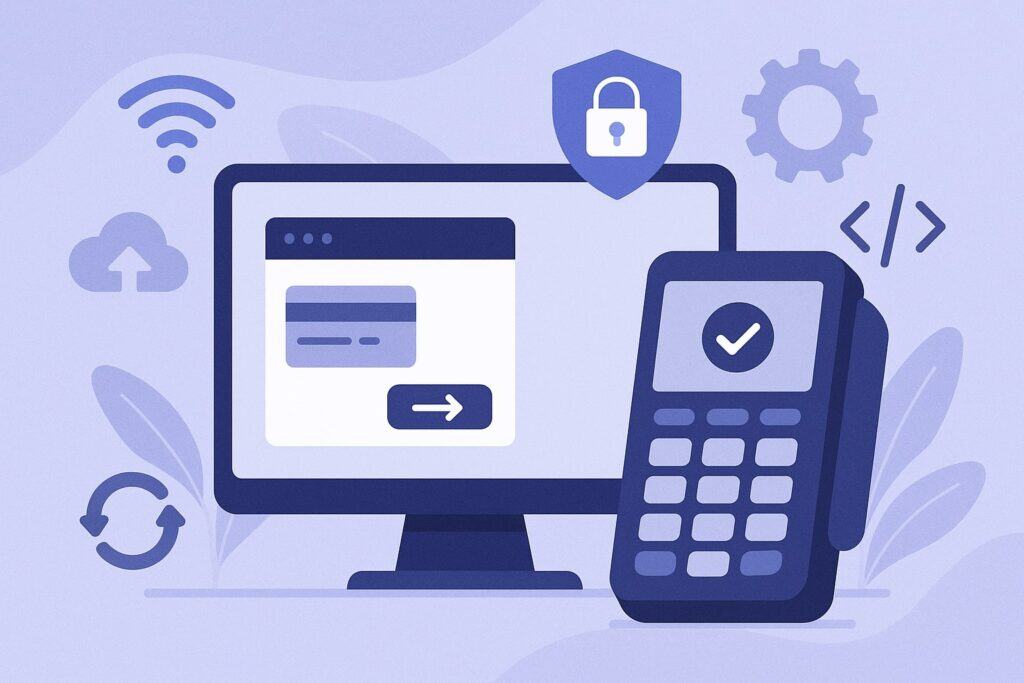
Integration is not only about connecting two systems—it involves technical infrastructure that must be aligned. Below are some of the most critical technical considerations.
API vs. Native Integration
Some POS systems provide native integration with a gateway, meaning the connection is already built and ready to use. Others require API integration, which may demand custom development. While native integration is easier, API integrations give more flexibility.
Tokenization and Encryption
Security is paramount. Gateways should use end-to-end encryption (E2EE) and tokenization to protect cardholder data. With tokenization, sensitive card details are replaced with a token, reducing the risk of data breaches.
Network Connectivity
Since POS systems rely on real-time communication with gateways, reliable internet connectivity is essential. Some systems also offer offline processing modes, where transactions are queued and submitted once the connection is restored.
Multi-Device Synchronization
For businesses with multiple registers or mobile POS devices, integration must ensure consistent synchronization across all endpoints.
Middleware and APIs
Sometimes, businesses use middleware platforms to connect POS systems and gateways. These act as a bridge, especially when direct integration is not possible. Middleware can add features like real-time reporting, custom workflows, and centralized management.
Scalability
As your business grows, your POS-gateway integration should handle higher transaction volumes, new locations, and expanded payment options without major overhauls.
Benefits of Payment Gateway-POS Integration
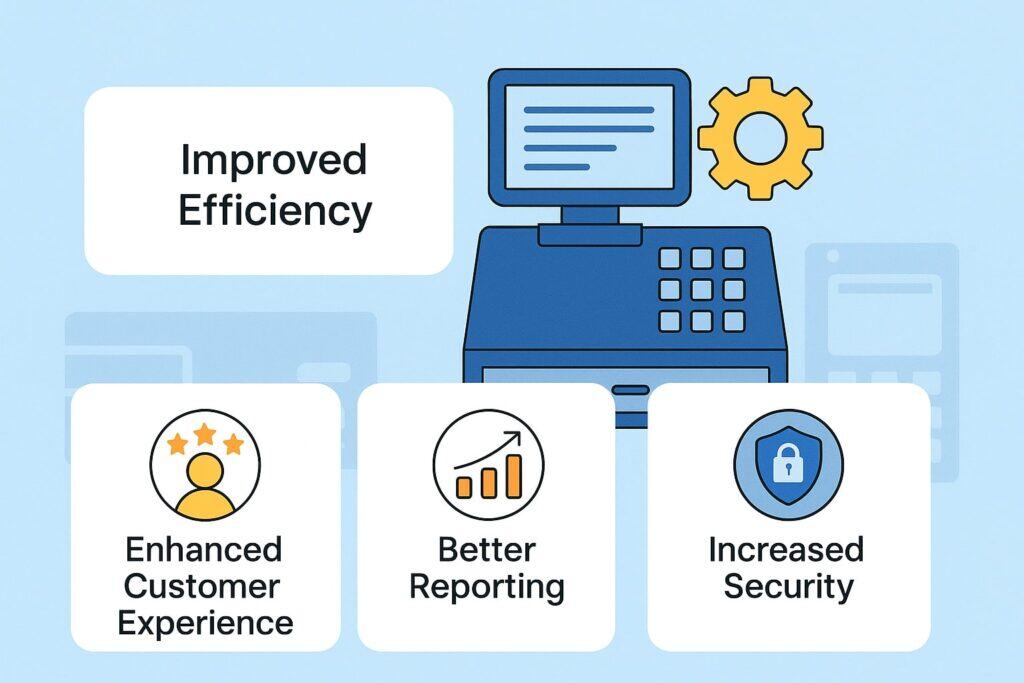
Integrating your POS with a payment gateway unlocks several strategic advantages:
- Efficiency: Transactions are processed automatically, reducing manual entry and saving time.
- Accuracy: Integration minimizes errors between recorded sales and bank deposits.
- Security: Gateways provide encryption, fraud detection, and compliance with global standards.
- Customer Experience: Faster checkouts, more payment options, and digital receipts improve satisfaction.
- Data Insights: Sales and payment data are unified, allowing for advanced reporting and business intelligence.
- Flexibility: Supports omnichannel selling, including in-store, online, and mobile.
For small businesses, the time saved by reducing reconciliation alone can justify integration. For larger enterprises, the scalability and customer experience improvements are even more critical.
Challenges and Common Mistakes in Gateway-POS Integration
Despite its benefits, integration can come with challenges. Some of the most common include:
- Vendor Lock-in: Some POS providers restrict you to their own gateway.
- Hidden Fees: Certain gateways may advertise low rates but charge for add-ons like fraud detection or PCI compliance.
- Poor Staff Training: Even with integration, staff errors can cause declined transactions or customer frustration.
- Inadequate Testing: Skipping test environments often results in issues once live.
- Security Risks: Failing to enable encryption, tokenization, or compliance measures can expose your business to fraud and data breaches.
Avoiding these mistakes requires careful planning, due diligence, and a commitment to ongoing monitoring.
Best Practices for Successful Integration
- Work with Trusted Vendors: Choose POS and gateway providers with strong reputations.
- Prioritize Security: Always enable PCI DSS compliance, fraud protection, and tokenization.
- Train Continuously: Ensure staff are updated on new features, payment flows, and troubleshooting.
- Regularly Update Software: Keep both POS and gateway software updated to prevent vulnerabilities.
- Monitor Analytics: Use integrated reporting to optimize sales, manage inventory, and detect anomalies.
- Offer Multiple Payment Methods: Ensure you support cards, mobile wallets, ACH, and contactless options.
FAQs
Q1. Do I need technical skills to integrate a payment gateway with my POS?
Answer: In many cases, businesses do not need deep technical knowledge because modern POS systems come with built-in integrations or easy-to-install plugins. However, if your POS system requires API integration, you may need help from a developer.
Businesses should also understand compliance basics, even if the vendor manages them. Ultimately, the level of technical skill depends on your chosen POS and gateway combination.
Q2. How much does integration cost?
Answer: Costs vary depending on the POS provider, gateway, and payment volume. Some charge flat monthly fees, while others take a percentage of each transaction.
Additional expenses may include setup fees, PCI compliance fees, or hardware upgrades. Businesses should always compare providers carefully and calculate the effective rate, which includes all hidden costs.
Q3. Is integration secure?
Answer: Yes, provided you choose a gateway with proper security protocols. Look for features like end-to-end encryption, tokenization, and fraud detection tools.
PCI DSS compliance is mandatory, and many gateways offer built-in compliance management. As long as businesses keep their systems updated and monitor suspicious activity, integration is highly secure.
Q4. What payment methods can I accept after integration?
Answer: Most gateways support a wide range of payment methods, including credit/debit cards, mobile wallets, ACH transfers, gift cards, BNPL (Buy Now Pay Later), and even crypto payments in some cases. The actual availability depends on your gateway and your POS system’s capabilities.
Q5. Can integration help with omnichannel selling?
Answer: Absolutely. One of the key benefits of integration is that it allows businesses to unify online and offline sales. For example, a customer might place an order online and pick it up in-store, with the payment automatically reconciled across both channels. This seamless experience is essential in today’s retail environment.
Conclusion
Integrating a payment gateway with your POS system is one of the most important steps a business can take to modernize its operations, improve customer experiences, and safeguard financial transactions.
From choosing the right gateway to ensuring PCI compliance, enabling tokenization, and training staff, every step of the process plays a vital role in achieving success.
A well-integrated system doesn’t just process payments—it becomes a central hub for managing sales, data, and customer relationships. In today’s competitive environment, businesses that prioritize seamless payment experiences gain an edge over those that rely on outdated, disconnected systems.
The integration process may seem complex, but with careful planning, the right vendors, and ongoing monitoring, businesses of all sizes can achieve a secure, efficient, and future-ready setup.