By Willis Jarvis February 7, 2026
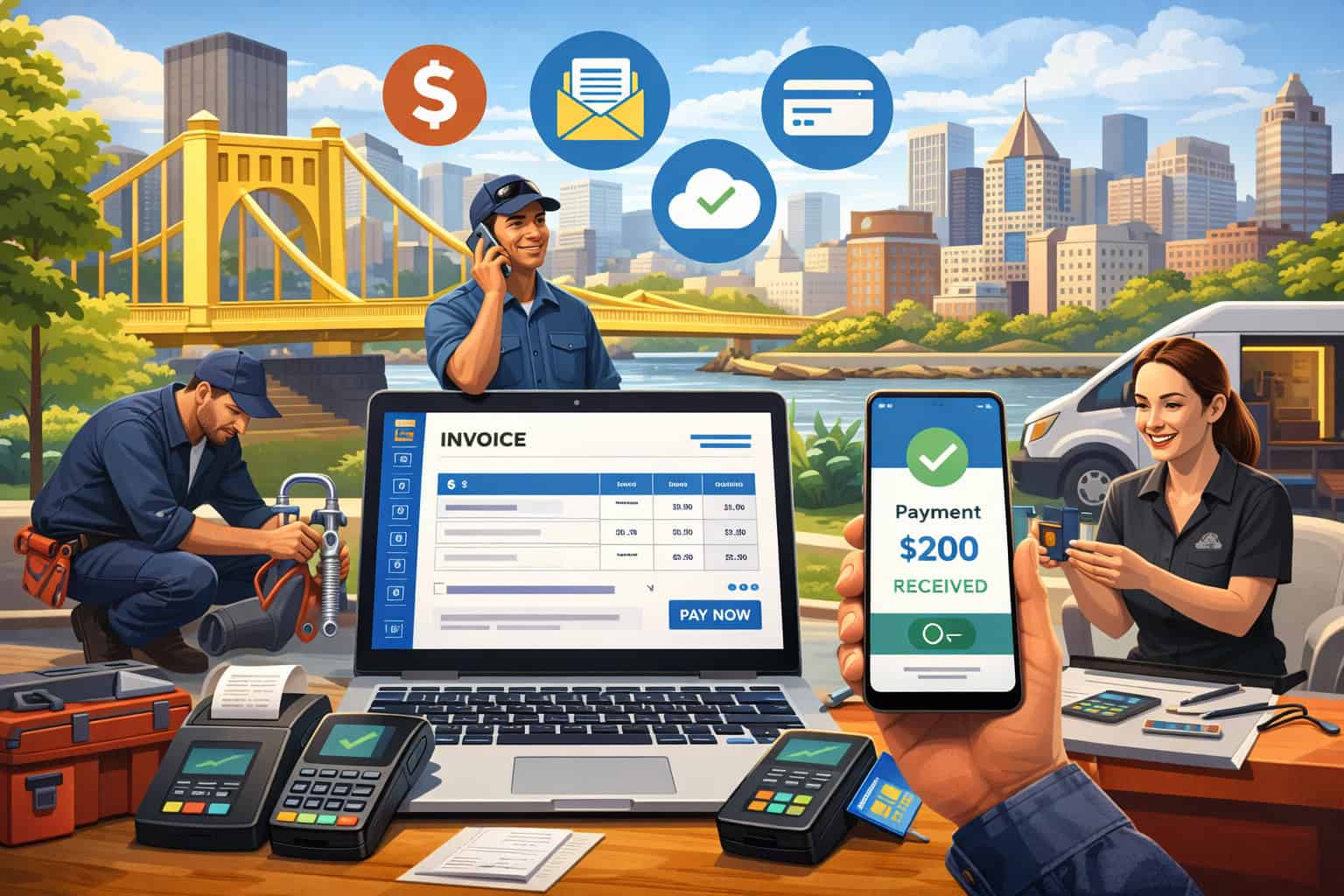
Online invoicing for Pittsburgh service providers has moved from “nice to have” to essential infrastructure. Clients expect fast quotes, clean invoices, card and bank payment options, and automatic receipts.
You also need a system that supports local compliance basics (registration, recordkeeping, and accurate tax handling) while staying simple enough to run from a phone between jobs.
This guide walks you through online invoicing for Pittsburgh service providers step by step—what to set up, what to avoid, and how to build a workflow that gets you paid faster while keeping your books clean.
It also includes practical templates, payment best practices, and future predictions so your invoicing process won’t feel outdated in a year.
Why online invoicing matters specifically in Pittsburgh’s service economy
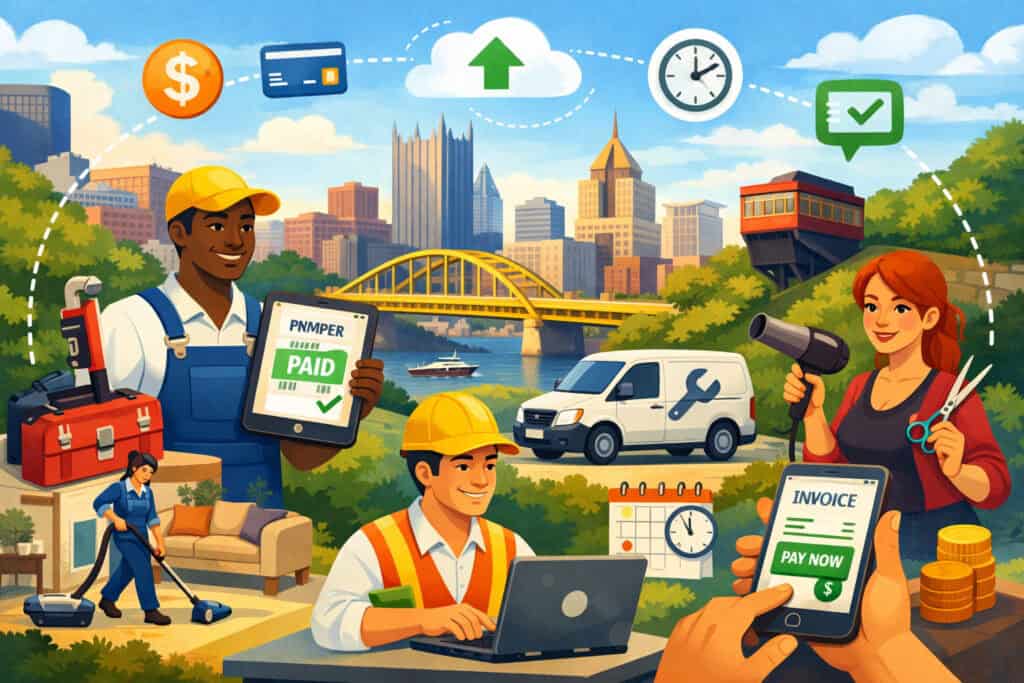
Online invoicing for Pittsburgh service providers works best when it matches how local service businesses actually operate: scheduled appointments, on-site work, deposits, change orders, and repeat clients.
Compared to paper invoices or manual emails, online invoicing reduces payment delays because the customer can pay the moment they open the invoice—especially when the invoice includes a pay-now button, wallet payments, or bank transfer.
Pittsburgh is full of service categories where speed and clarity matter: home services, IT, creative agencies, consultants, cleaning crews, mobile pet grooming, coaching, event support, and niche B2B contractors.
In these businesses, cash flow often depends on two things: (1) getting the invoice out immediately after delivery, and (2) removing friction in how the client pays. Online invoicing for Pittsburgh service providers solves both. You can create invoices from an estimate, attach photos or signed approvals, and schedule reminders without chasing people.
There’s another advantage: clean documentation. When your online invoicing for Pittsburgh service providers setup captures the quote, approval, invoice, payment confirmation, and receipt in one system, you build an audit-friendly trail that makes tax time and disputes easier.
Electronic signatures are generally supported in Pennsylvania under its Electronic Transactions Act/UETA framework, which helps when you want approval logs or signed service agreements stored with the invoice record.
Start with local compliance basics before you invoice your first client

Online invoicing for Pittsburgh service providers should sit on top of a simple compliance foundation, not replace it. Before you send invoices, make sure your business identity and city registration are handled so your invoicing details (name, address, business ID references, tax handling) are consistent from day one.
If you conduct business within the City of Pittsburgh, the City’s Department of Finance notes that entities conducting business in the city must be registered and have a City ID number.
Even if your work is mostly remote or you travel to client sites, the safest invoicing habit is to align your “bill-from” business profile with how you’re registered and where you operate. This prevents mismatches later when clients request W-9 information, vendor setup forms, or when you reconcile revenue for local filings.
Also keep in mind that local earned income tax systems in Allegheny County operate under Act 32’s structure, which divides Allegheny County into four tax collection districts (including one for the City of Pittsburgh and Mt. Oliver Borough).
While Act 32 is primarily about earned income tax withholding and collection, it affects how payroll and residency documentation works if you have employees—something that can intersect with invoicing when you scale from solo provider to a team.
Online invoicing for Pittsburgh service providers becomes much easier when your “business profile” inside the invoicing platform is final: legal name, DBA (if any), mailing address, phone, and the payment descriptor customers will see on their statement.
Choose an online invoicing system that matches your service model (not just the cheapest plan)
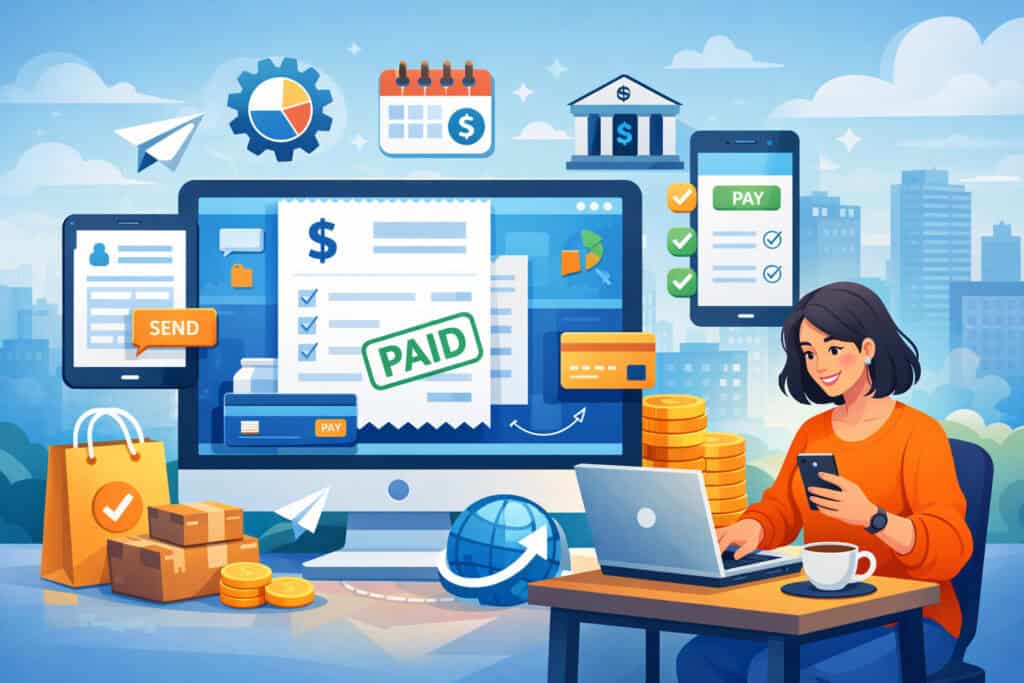
Online invoicing for Pittsburgh service providers isn’t one-size-fits-all. A solo consultant invoicing monthly retainers needs different features than a home-service company collecting deposits, tips, and on-site card payments. The right platform is the one that reduces admin work for your exact workflow.
When comparing tools, focus on five practical categories:
- Estimates → invoices → change orders: Service businesses win when they can convert an estimate into an invoice in one click, then add approved change orders as line items without creating confusion.
- Deposits and progress payments: If you do scheduling-based work (events, projects, renovations, marketing retainers), deposits reduce cancellations and stabilize cash flow.
- Payment options (card + bank + wallets): Online invoicing for Pittsburgh service providers improves collection speed when you offer both cards and bank payments (ACH). Many platforms also support wallet-style payments depending on your processor.
- Automation: Reminders, late fees (if you choose), recurring invoices, and autopay reduce awkward follow-ups.
- Accounting integration: If you use accounting software or a bookkeeper, sync matters. It reduces double-entry errors and makes monthly close faster.
If you want a short list of commonly recommended invoicing options in 2026, major business software reviewers frequently include providers such as Square Invoices, FreshBooks, Zoho Invoice, Xero, and QuickBooks Online among top picks. Use reviews as a starting point, but decide based on your real needs: mobile invoicing, field payments, recurring billing, or deep accounting.
Online invoicing for Pittsburgh service providers should feel like a toolbelt—everything you need, nothing you don’t.
Build your invoice template for faster payments and fewer disputes
Online invoicing for Pittsburgh service providers works best when the invoice is easy to understand in 10 seconds. Confusion delays payment. Clarity speeds it up.
Your invoice template should include:
- Client name and service location (especially for on-site jobs)
- Invoice date and due date
- Invoice number (unique, consistent format)
- Clear service description (what you did, when, and where)
- Quantity/units (hours, sessions, visits, milestones)
- Rates and taxes (if applicable)
- Discounts (if used—show them transparently)
- Payment options (card + bank + other)
- Late policy (if you enforce one—keep it simple)
- Notes and attachments (photos, signed approvals, receipts)
For service businesses, descriptions matter more than product businesses. Instead of “Consulting,” write “Strategy session (90 minutes) + action plan delivery (PDF) – Jan 14, 2026.” Instead of “Repair,” write “Water heater diagnostic + thermostat replacement + safety test.”
If your work includes construction-related subcontracting or progress payments, be aware that Pennsylvania’s Contractor and Subcontractor Payment Act references invoice timing and payment windows in certain contracting contexts (for example, payment within 14 days after receipt of the subcontractor’s invoice or after receipt of payment, depending on the situation).
Even when you’re not strictly under that statute, following a clean “invoice issued → payment due → reminders” rhythm reduces payment friction.
Online invoicing for Pittsburgh service providers becomes your documentation system as much as your billing system. Treat the invoice as your final, client-friendly summary of value delivered.
Set up payments inside your invoices: card, ACH, and instant-transfer trends
Online invoicing for Pittsburgh service providers is only as strong as the payment experience. The biggest collection improvements usually come from adding bank payments (ACH) and making card payments painless.
Cards are fast and familiar, but include processing costs. Many service providers price accordingly or offer card convenience while encouraging bank transfer for larger invoices.
ACH/bank payments can reduce fees and are often preferred for higher-ticket B2B invoices. If you accept ACH, you should pay attention to rule updates published by Nacha, which posts new ACH rule changes and effective dates.
Your payment provider or bank can help ensure your authorization language, dispute handling, and fraud controls are aligned with current expectations.
Instant payments (the near future) are becoming more realistic for everyday businesses. The Federal Reserve’s FedNow Service went live July 20, 2023 and is designed to enable instant payments through participating financial institutions.
Adoption has continued to grow, with Federal Reserve communications describing ongoing network expansion and innovation milestones.
For online invoicing for Pittsburgh service providers, this points to a future where “pay by bank” may increasingly mean “settles in seconds,” not days—especially for urgent service calls or last-minute projects.
A practical 2026 approach: offer cards and ACH today, and choose a platform that’s actively expanding instant bank-transfer options so you’re ready as local banks roll out more real-time rails.
Sales tax and “taxable services” basics that affect invoicing details
Online invoicing for Pittsburgh service providers must handle taxes correctly, but the key is to keep it simple: most service providers only need to (1) know whether their service is taxable, and (2) invoice in a way that stays consistent with that reality.
Pennsylvania provides guidance and lists of taxable services; the state includes examples such as washing/cleaning motor vehicles and certain repairs/alterations to tangible personal property among taxable services categories. The important takeaway is not to guess—service taxability can depend on what you’re doing and how you’re delivering it.
If you sell or bundle software-related services, Pennsylvania has issued guidance around software, digital goods, and related services.
For example, distinctions between custom software versus taxable transactions involving canned/prewritten software and certain modifications can matter. This becomes relevant for Pittsburgh-based IT service providers, managed service businesses, and agencies that bundle software licensing with services.
Online invoicing for Pittsburgh service providers should separate line items clearly: labor vs materials, taxable vs non-taxable items (when applicable), and pass-through expenses. If you’re unsure, a local tax professional can confirm, but your invoicing system should be ready to apply or not apply sales tax per line item so you don’t have to rebuild templates later.
Use e-signatures and approval logs to prevent scope disputes
Online invoicing for Pittsburgh service providers reduces disputes when you capture approvals before the invoice is sent. The goal is simple: when a client asks “Why am I being charged for this?” you can point to the approved estimate, signed authorization, or digital acceptance record.
Pennsylvania has adopted UETA via the Electronic Transactions Act framework, supporting the legal validity of electronic signatures in many business contexts. In practice, most service providers don’t need anything fancy—just a consistent process:
- Send estimate with clear scope and optional add-ons
- Collect acceptance (click-to-approve, e-signature, or written confirmation)
- Perform work and document outcomes (photos, time logs, deliverables)
- Convert estimate to invoice and attach proof if helpful
Online invoicing for Pittsburgh service providers works especially well when your system stores the approval timestamp and the exact estimated version that was approved. This eliminates “I didn’t agree to that” arguments caused by version changes or unclear line items.
For recurring clients, you can also use a standing authorization agreement (for example, monthly maintenance) and then invoice automatically with a standardized description. The combination of approval logs + predictable invoicing is one of the fastest ways to increase on-time payments.
Automate the workflow: estimates, recurring invoices, reminders, and late policies
Online invoicing for Pittsburgh service providers becomes truly powerful when you stop “manually pushing” every invoice. Automation isn’t about being robotic; it’s about making sure nothing slips through cracks during busy weeks.
A strong default automation stack looks like this:
- Estimate follow-ups: reminder at 3 and 7 days
- Invoice reminders: reminder 3 days before due date + on due date
- Past due reminders: 3, 7, and 14 days after due date
- Recurring invoices: monthly retainers, subscriptions, service plans
- Autopay: for trusted recurring clients
- Deposit invoices: generated automatically upon acceptance
Online invoicing for Pittsburgh service providers should also include a clear policy for late payments. Keep it readable: “Payment due within 14 days. After 14 days, service may be paused until the balance is paid.” If you charge late fees, make sure the client sees it in writing before it applies.
Automation also improves client experience. Many clients appreciate predictable reminders because it helps them manage their own approval flows. And because service providers often rely on referrals, your invoicing tone matters—friendly, clear, and consistent beats aggressive.
Security and privacy: what to do so invoicing doesn’t create risk
Online invoicing for Pittsburgh service providers involves sensitive client data: addresses, emails, sometimes card details (depending on how payments are handled), and service history. Your system must protect that data.
If you accept card payments, PCI DSS standards matter. The PCI Security Standards Council publishes PCI DSS documents, including PCI DSS v4.0.1 (June 2024) and supporting guidance. The practical action for most service providers is to avoid storing card numbers yourself and use a reputable payment provider with hosted payment pages or tokenization.
Security habits that actually help:
- Turn on multi-factor authentication for invoicing and email accounts
- Restrict staff access (role-based permissions)
- Use unique logins (no shared passwords)
- Keep devices updated
- Export backups of invoices and customer lists monthly
Online invoicing for Pittsburgh service providers should make you look professional—and professionalism includes protecting client data. A single compromised account can cost far more than a year of software fees.
Integrate online invoicing with bookkeeping, reporting, and cash flow planning
Online invoicing for Pittsburgh service providers shouldn’t live in a silo. If your invoicing tool doesn’t connect to your bookkeeping, you’ll pay for it later in time and make mistakes.
At minimum, track these metrics monthly:
- Invoices sent
- Payments received
- Average days to pay
- Past due total
- Revenue by service type
- Top clients by revenue
- Refunds/chargebacks (if any)
Online invoicing for Pittsburgh service providers is also where cash flow planning begins. If you know your average days to pay is 19 days, you can time marketing, hiring, and equipment purchases more confidently than if you’re guessing.
When you integrate invoicing with accounting, your year-end process becomes a review instead of a rescue mission. This is especially helpful if you take a mix of payments (cards, ACH, checks) and want clean reconciliation without hunting through bank statements.
Future predictions: where online invoicing is heading for service providers in Pittsburgh
Online invoicing for Pittsburgh service providers is likely to change in three major ways over the next few years:
- Faster bank payments become normal: FedNow is designed to enable instant payments through participating institutions, and adoption has continued to grow. As more banks in the region add instant payment capabilities, invoice “pay by bank” options will feel closer to card speed—without card fees.
- More structured e-invoicing for larger buyers: E-invoicing isn’t only about emailing PDFs. Global trends are moving toward standardized electronic invoice formats tied to compliance and reporting, with common schemas like XML/JSON/EDI in mandated systems.
Even if small providers aren’t required to use these formats, larger clients may increasingly demand portal-based invoicing or structured data submissions. - AI-assisted invoicing operations: Expect better automation around: generating invoice descriptions from job notes, recommending deposits, predicting late payments, and auto-categorizing income by service line. The service providers who adopt these features early will spend less time on admin and more time delivering billable work.
Online invoicing for Pittsburgh service providers will keep rewarding simplicity: faster payments, fewer disputes, cleaner records, and a workflow you can run from anywhere.
FAQs
Q.1: What’s the fastest way to get paid using online invoicing for Pittsburgh service providers?
Answer: The fastest setup is: (1) send invoices immediately after completion, (2) include card + ACH options, (3) use automatic reminders, and (4) require deposits for scheduled work. Online invoicing for Pittsburgh service providers speeds up payment the most when the client can pay in one click from their phone.
If your invoices are often delayed by approvals, add an estimate-approval step and convert approved estimates into invoices. That way your invoice is never a surprise.
Q.2: Do I need electronic signatures for online invoicing for Pittsburgh service providers?
Answer: You don’t need e-signatures for every job, but approval logs reduce disputes and speed up collections. Pennsylvania supports electronic signature usage through its Electronic Transactions Act/UETA framework in many common business settings.
A practical approach: use click-to-accept for estimates and e-signatures only for larger projects, recurring service agreements, or work with higher dispute risk.
Q.3: How do I handle taxes on invoices as a Pittsburgh service provider?
Answer: The first step is determining whether your services are taxable. Pennsylvania provides guidance and examples of taxable service categories, and certain services are specifically listed as taxable. If you’re in IT or software-related work, taxability can be nuanced, and Pennsylvania has published guidance around software and related services.
Online invoicing for Pittsburgh service providers should separate taxable and non-taxable line items so your invoices stay accurate even if your offerings expand.
Q.4: Is ACH safe for online invoicing for Pittsburgh service providers?
Answer: ACH can be safe when you use a reputable provider and follow best practices: proper authorization language, account verification tools (when available), and fraud monitoring. Nacha publishes rules and updates that govern ACH participation and responsibilities.
The main safety rule: never store bank details in spreadsheets or email threads. Keep payments inside the invoicing/payment platform.
Q.5: What records should I keep with online invoicing for Pittsburgh service providers?
Answer: Keep: estimates, approvals, invoices, payment confirmations, receipts, and any attachments that support the work (photos, deliverables, time logs). Online invoicing for Pittsburgh service providers is strongest when the invoice record doubles as your proof of service.
Also export backups monthly (PDF + CSV) so you’re not dependent on one login or one vendor.
Q.6: Will instant payments replace cards for invoicing?
Answer: Not fully, but they’ll become a bigger slice of how clients pay. FedNow went live in 2023 to enable instant payments via participating financial institutions, and ongoing adoption suggests real-time “pay by bank” will keep expanding.
For online invoicing for Pittsburgh service providers, the winning move is choosing platforms that already support bank payments and are evolving toward real-time rails as adoption grows locally.
Conclusion
Online invoicing for Pittsburgh service providers is easiest to implement when you treat it like a system rollout, not a one-time software purchase.
In the first week, choose a platform that fits your service model, set up your business profile, build a clean invoice template, and enable card plus ACH payments. In week two, convert your most common services into reusable line items and create an estimate template that prevents scope confusion.
In week three, activate automation: recurring invoices, deposit invoices, and reminders. In week four, integrate invoicing with your bookkeeping and start reviewing one or two cash-flow metrics monthly.
Along the way, protect client data by using reputable payment tools and basic account security habits, and document approvals using electronic acceptance or signatures supported under Pennsylvania’s electronic transactions framework.