
Pittsburgh’s business scene is delightfully diverse: neighborhood coffee shops in Lawrenceville, legacy retailers in Squirrel Hill, destination restaurants in the Strip District, service-and-repair shops in the South Hills, and pop-up vendors selling at weekend markets and at PNC Park events. All of them run on transactions—fast, accurate, and secure.
Choosing the right point-of-sale (POS) system is therefore one of the most consequential technology decisions a local owner can make. For years, “traditional” POS meant an on-premises server, thick client software, and purpose-built terminals.
Over the past decade, “cloud POS” has gained momentum—browser-based or app-based systems that store data in the cloud, sync across devices, and integrate payments, inventory, and loyalty in one continually updated platform.
This guide breaks down the differences for Pittsburgh businesses in practical terms. Rather than pushing a single answer, it helps you examine fit: what works for a single-location sandwich shop near Pitt may not be what a multi-unit group in the North Shore needs, and a boutique in Shadyside faces different constraints from a food truck roaming the city’s summer festivals.
We’ll explore how the architectures differ, total cost of ownership, hardware choices, Internet reliability (and how to plan for outages), security and compliance, industry-specific scenarios, a step-by-step migration plan, and smart vendor selection.
You’ll also get a look at near-term trends—like pay-at-table, mobile wallets, and real-time payouts—that are reshaping expectations for both staff and guests.
As you read, keep your operational realities in mind: your menu complexity and modifiers, inventory depth, staff turnover, back-office workflows, accounting tools, and the neighborhoods you serve.
In Pittsburgh, winter storms, construction detours, and big-game days can all stress systems in unexpected ways. A POS that flexes with those rhythms—without demanding heroic troubleshooting—buys you time and customer goodwill.
Ultimately, the “best” solution is the one that reliably captures revenue, reduces errors, speeds service, fits your budget over five years, and simplifies the way your team works tomorrow morning at 7:00 a.m. Let’s dig in.
What Do We Mean by “Cloud POS” and “Traditional POS” in Pittsburgh?
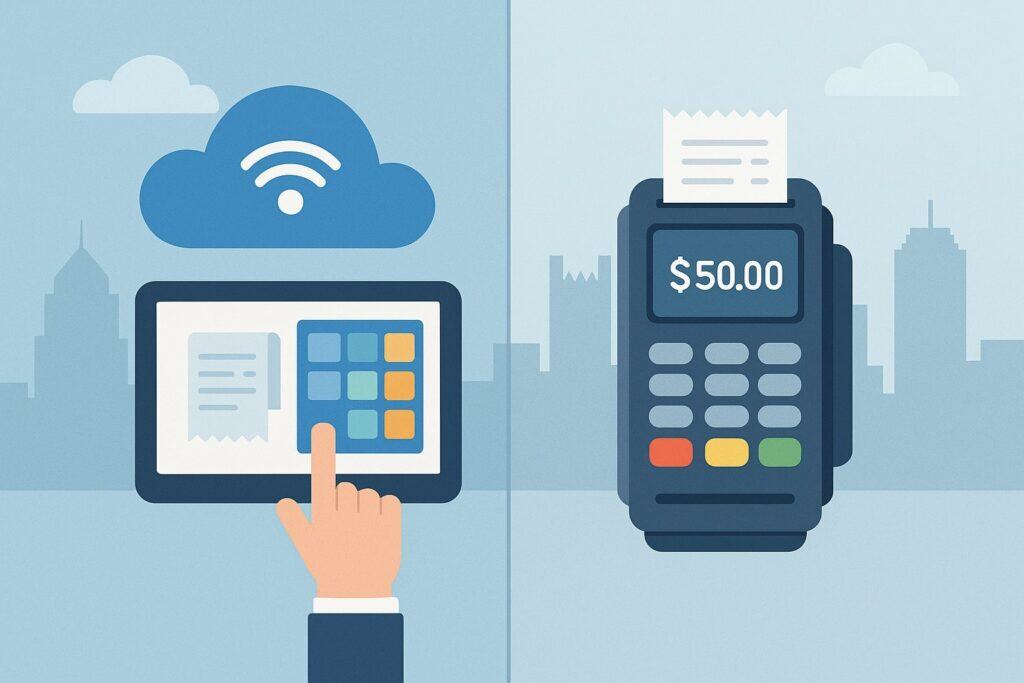
When people say “traditional POS,” they usually mean an on-premises system: software installed on a back-office server or a “primary” terminal, with additional lane stations or bar terminals connected over the local network. Data—items, prices, tax rules, and transaction logs—lives locally.
Updates are installed manually (or by a technician). Backup routines, permissions, and database health are managed by you or your service provider. If the server goes down, the store typically cannot ring sales until it’s restored, though some traditional systems support limited redundancy.
“Cloud POS,” in contrast, is software delivered as a service (SaaS). You access it via apps or a web browser on iPads, Android tablets, or modern PCs. Your catalog, customers, and transactions are stored in cloud databases and synchronized to your devices.
You can change a price from home and see it live at the register; you can add a new seasonal SKU at 8:55 a.m. and sell it at 9:00 a.m. Cloud POS vendors push feature and security updates continuously, which means you’re always on a recent version without booking an after-hours service call.
Most cloud systems support offline transaction capture during an Internet disruption, then auto-sync when connectivity returns.
For Pittsburgh operators, the practical implications show up quickly. Traditional systems often feel rock-solid—fast local networking, tuned peripherals, no dependence on wide-area connectivity.
They tend to shine for high-customization hospitality builds with complex routing to kitchen printers, as well as in environments where a merchant wants “locked down” hardware and predictable behavior. But they can be more rigid when you try to sell online, add a curbside flow, or spin up a kiosk at a festival.
Cloud POS tends to embrace those omnichannel moves—same catalog online and in-store, unified reporting across locations, staff using handhelds to line-bust on Pirates game nights—yet you must plan carefully for Internet resiliency and device management.
The point isn’t that one is “right”; it’s that their trade-offs serve different kinds of Pittsburgh businesses differently.
Architecture Showdown: How Cloud and Traditional POS Actually Work
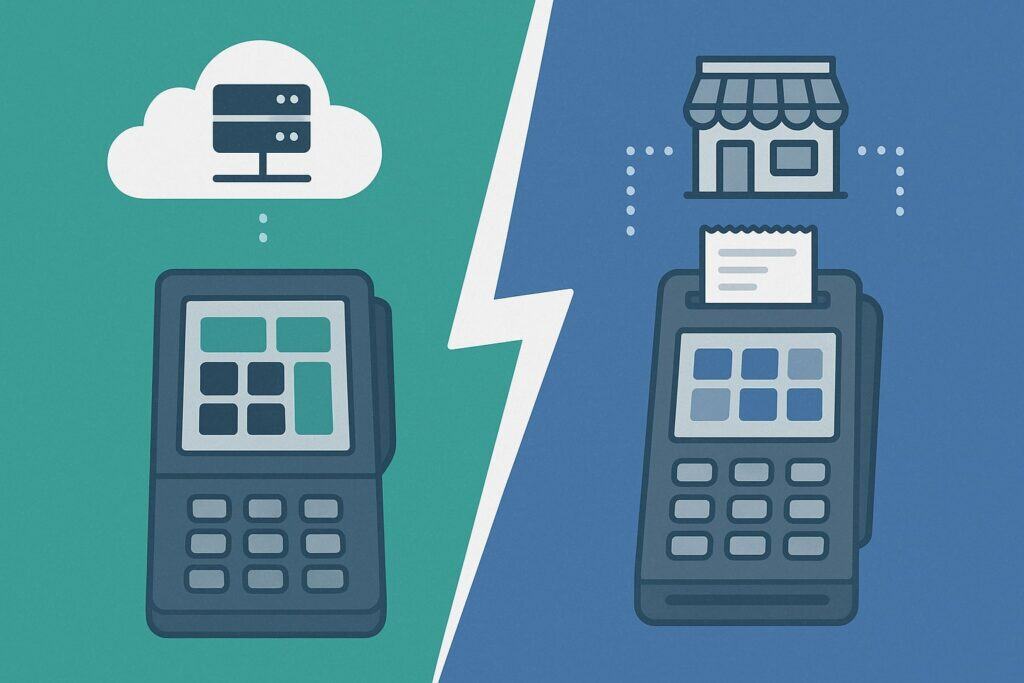
Architecturally, traditional POS is centralized locally. Think: a Windows or Linux server in your back office, with terminals running the vendor’s client and a local database (often SQL-based). It’s a closed loop: your network switch, your cabling, your peripherals.
Latency is low because data doesn’t leave the building. Backups are performed to on-site drives and (ideally) off-site copies. Integrations—inventory, accounting, loyalty—are typically through batch exports or machine-to-machine connectors installed on that server.
Change management is eventful: upgrades require a maintenance window and version compatibility across terminals and peripherals must be verified.
Cloud POS spreads the intelligence between the device and the vendor’s cloud. Devices authenticate to your tenant, subscribe to the store’s catalog and settings, cache key information locally, and stream transactions to the cloud in near-real time.
Reporting happens in centralized dashboards. Integrations often use APIs and webhooks: your accounting tool or inventory system “listens” for sales and automatically posts entries. Updates roll out gradually; your register app may prompt for a short restart, but you’re not scheduling a tech visit.
Because the cloud handles most compute and data storage, hardware can be lighter and cheaper, with more choice (tablet, phone, browser).
From a Pittsburgh owner’s perspective, the day-to-day feels different. In a traditional architecture, you or your service partner “own” performance: if an aging server fan fails on a busy Saturday, the fix is local and urgent.
If Windows patches reboot unexpectedly, you may scramble. In a cloud architecture, the vendor “owns” more of the stack—scalability, security patching, database replication—but your operational continuity depends on your last-mile Internet and on how well the system handles offline transactions.
This is why planning for redundancy (LTE failover, second ISP) matters. Both architectures can work brilliantly; both can fail spectacularly if neglected. A thoughtful Pittsburgh deployment focuses on the weakest links: aging switches, unlabeled cabling, a single Internet line, no battery backup, or loosely managed tablets that go missing mid-shift.
On-Prem vs. Multi-Location Realities in Pittsburgh
Multi-location groups in and around Pittsburgh—say, a three-unit café brand across Oakland, Downtown, and Mt. Lebanon—quickly feel the friction of traditional POS. To push a price change, you either remote into each site or replicate databases from a central office server. Reports arrive as a weekly merge job.
Staff permissions can drift: the Downtown store’s “Key Holder” role isn’t identical to Mt. Lebanon’s. Inventory counts diverge. This isn’t unfixable, but it demands discipline and tooling. Cloud POS flips that model: one master catalog, shared roles, location-level overrides when needed, and live consolidated reporting.
Training is easier because the UI is the same everywhere; a barista can cover a shift in Oakland and still feel at home at the register.
Service and support also differ. With a traditional system, you may have a local technician who knows your store’s wiring and oddities—gold when a spill takes out a cash drawer port an hour before lunch rush.
Cloud vendors sometimes feel remote, but their “fleet” tooling is powerful: they can see device health, push a config, and guide you through swapping a reader live. For Pittsburgh, the best of both worlds is pairing a modern cloud stack with an attentive local payments/merchant services partner that provides on-site help when hardware fails.
The net benefit is agility: menu tweaks for a Pitt home game promo go live everywhere in minutes; pop-ups on the North Shore use the same items and tax rules; and your accountant sees consolidated sales without emailing exports.
Cost Comparison and Total Cost of Ownership (TCO)
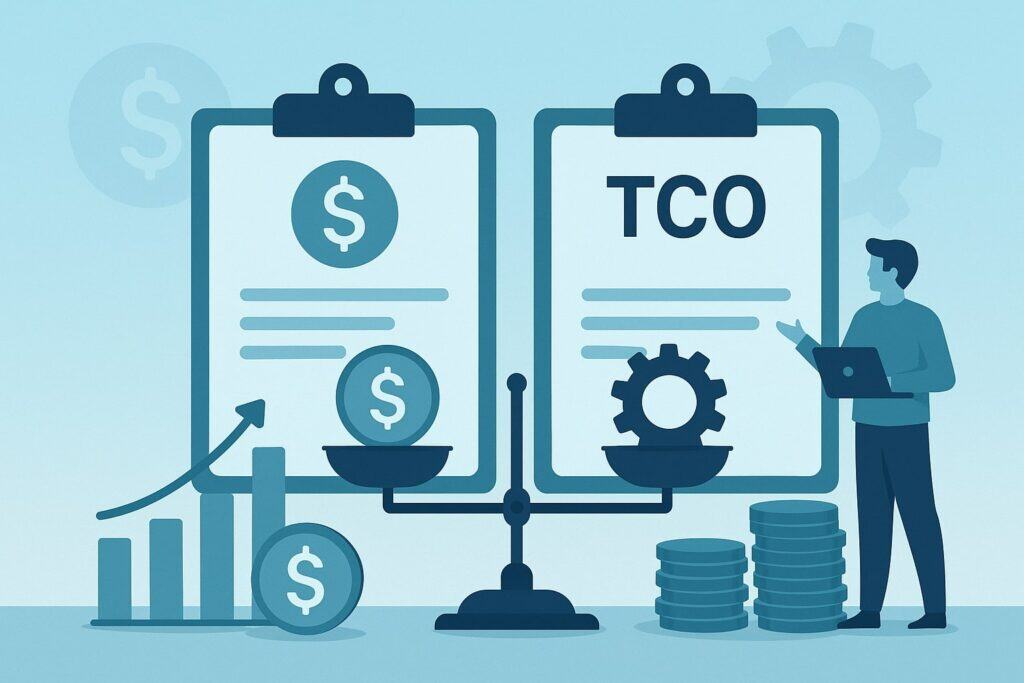
Sticker price comparisons can mislead. A traditional POS often carries a larger upfront cost—server, terminals, enterprise-grade printers, cabling, and professional installation. Software licenses may be perpetual with annual support, or subscription-like maintenance.
Over five years, you’ll budget for hardware refreshes, version upgrades, and periodic on-site service. For cloud POS, hardware outlay can be smaller—tablets, stands, card readers—but monthly software subscriptions and payment processing fees roll up into an operational expense.
Add-on modules (advanced inventory, gift/loyalty, kitchen display systems) are frequently priced per location or per device.
A practical TCO exercise for a single-location Pittsburgh boutique might look like this: Traditional POS could run five-figure upfront costs with lower monthly software. Cloud POS might cut the upfront by half or more but introduce a per-register monthly fee plus optional features (online ordering, curbside, loyalty).
Over 60 months, both can land in similar ranges depending on how many stations, how complex your menu/inventory is, the integrations you require (accounting, e-commerce), and the level of on-site support you expect. What swings the math is downtime and labor.
If a cloud POS helps you line-but with a $400 handheld during holiday season in Shadyside, reducing lost sales and shortening queues, that labor and conversion gain dwarfs a modest monthly fee. If a traditional POS saves you from Internet-induced hiccups at a high-volume deli with deep sandwich modifiers and three KDS screens, that reliability can be priceless.
Don’t forget hidden costs. For traditional systems: backup hardware, UPS batteries, surge protection, and the time to apply updates.
For cloud: business-grade Wi-Fi, LTE failover, device management (MDM), and replacing consumer-grade tablets that break more often than purpose-built terminals. Payment processing is a major lever in either case.
Some cloud POS vendors tightly bundle payments; rates and fees are part of the bundle. Traditional deployments sometimes allow processor choice; a competitive merchant services agreement can improve margins.
In Pittsburgh where margins are tight, negotiate processing transparently, scrutinize monthly statements for add-on fees, and insist on clear contract terms around early termination, equipment returns, and PCI non-compliance penalties.
Model cash flow with conservative assumptions, including seasonality (e.g., slower months after the holidays) and one unplanned outage per year.
Connectivity, Reliability, and Offline Operations in Pittsburgh
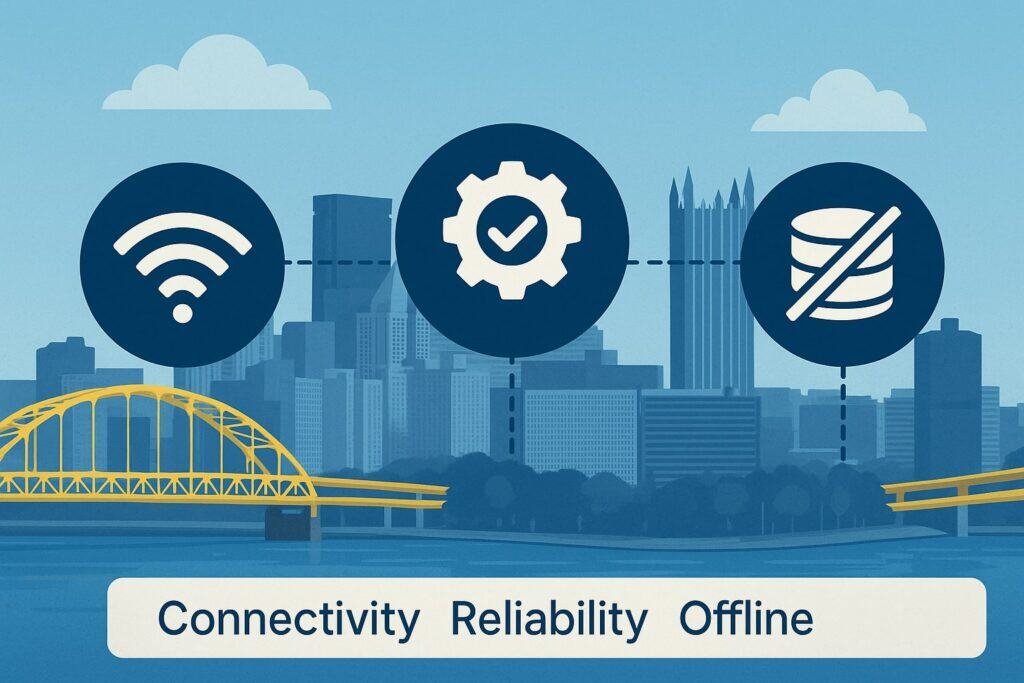
Cloud POS relies on the network beyond your walls, so Pittsburgh operators must treat connectivity as infrastructure, not a nice-to-have. Start with a primary wired ISP with adequate upload speeds (important for syncing, online orders, and gift/loyalty calls) and a business SLA.
Add a failover path: cable plus fiber, or cable plus LTE/5G router that automatically takes over if the main line drops. Place your modem and router on a UPS to ride out short power blips—common during summer storms. Segment your Wi-Fi so guest traffic cannot touch POS devices or peripherals.
Map the store’s RF environment: avoid dead zones that cause handhelds to lose their connection mid-transaction.
Even with a good Internet, you must plan for outages. Evaluate how your cloud POS behaves offline. Some cache the catalog and capture card transactions in a secure queue, then auto-submit once service returns.
Others require manual card imprinting in true offline scenarios. Test this in a quiet hour: unplug the WAN, ring a few “offline” sales, restore connectivity, and confirm settlement. For restaurants, ensure kitchen printing or KDS still works on LAN when the WAN is down.
For retailers, verify barcode scans, customer lookups, and discounts behave predictably in offline mode. Document the playbook: where the backup hotspot is stored, how to switch the router to cellular, which permissions allow offline sales, and how to reconcile after an incident.
Traditional POS isn’t immune to outages either. A failed switch, a corrupted local database, or a power supply going bad can stop sales just as surely as a fiber cut. The difference is where your single point of failure lives.
With traditional POS, it’s often in your back office; with cloud POS, it’s the last-mile connection and the vendor’s uptime. Most reputable cloud providers publish historical uptime and offer status pages.
Still, design for resilience locally: dual printers for the bar, hard-wired connections where possible for stationary stations, and clean cable runs labeled for fast troubleshooting. In Pittsburgh’s older buildings, electrical quirks can introduce noise—use quality surge protection and line conditioners for sensitive peripherals.
Offline Strategies That Actually Work for Cloud POS
A sound offline strategy has three layers. First, device caching: ensure the register app locally stores the day’s catalog, taxes, and receipt templates, so basic sales can proceed with no cloud calls.
Second, payment capture: enable “store and forward” for card transactions under defined risk thresholds (e.g., contactless under a certain amount), and train staff on when to allow or deny offline cards.
Third, operational continuity: keep kitchen or receipt printers on the LAN (Ethernet where possible), and confirm that order routing rules still fire without Internet.
Pair this with clear human procedures: paper chits if KDS goes dark, a short script for cash-only moments, and a manager checklist to reconcile after recovery (match queued transactions, void duplicates, log discounts granted during disruption).
Supplies matter. Keep a spare card reader, extra receipt/kitchen printer, and enough thermal paper, cables, and power bricks on-site. Store a pre-configured LTE router with SIM, labeled and tested quarterly.
Practice makes perfect: schedule a 15-minute quarterly drill where you fail the WAN and let your shift lead run the playbook. Pittsburgh crews are resilient; when they know the plan, they keep lines moving even when technology blips.
Finally, log incidents: date, duration, cause, impact, and lessons learned. Share the summary with your vendor or payments partner and adjust thresholds or hardware accordingly.
Hardware Considerations for Local Retailers and Restaurants
Hardware is where theory meets countertop. Traditional POS favors all-in-one terminals with integrated MSR/chip/tap, cash drawers, scanners, and kitchen printers connected via serial or Ethernet. They are ruggedized, purpose-built, and often fixed-mount.
They last, but upgrades require vendor-approved replacements. Cloud POS embraces a spectrum: iPads or Android tablets in stands, compact Ethernet or Bluetooth card readers, USB scanners, and networked receipt/kitchen printers.
Handhelds shine for line-busting at busy lunch rushes in Downtown or for tableside ordering in a crowded gastropub in East Liberty.
Think ergonomics and flow. Can a bartender split checks, accept tap-to-pay, and print itemized receipts without leaving the rail? Can a cashier scan barcodes at shoulder height and bag efficiently? Are cords tidy and protected from spills?
For kitchens, KDS screens reduce paper clutter and give real-time prep views, but kitchens are hot and greasy; choose commercial-grade displays with proper mounts and shrouds.
For mobile vendors and pop-ups at Heinz Field or local festivals, prioritize battery life, cellular connectivity, rugged cases, and offline sales. Test sunlight readability for farmers’ market mornings.
The ownership model matters. If your vendor “locks” hardware, replacements must be sourced from them, sometimes at a premium. Open, standards-based peripherals can be bought locally or online, speeding recovery when something fails on a Friday night.
Balance that with support: vendors are more effective when they control the full stack. In Pittsburgh, a hybrid approach works: standard networked printers and drawers, vendor-approved readers, and well-managed tablets with device management (so employees can’t install games).
Keep spares: one extra reader per location, a backup receipt printer on a shelf, and enough cables to swap quickly. Label everything with a label maker—future you will say thanks.
Payments, Security, and Compliance (PCI, PA Sales Tax, Tips)
Whether you choose cloud or traditional, payments must be secure and compliant. Look for EMV chip and contactless support, point-to-point encryption (P2PE) from the card reader to the processor, and tokenization so card numbers never touch your systems.
Cloud vendors often reduce your PCI scope because sensitive data is handled by the reader and the provider’s gateways; traditional systems can also minimize scope with semi-integrated devices.
Either way, complete your annual PCI questionnaire (SAQ type depends on your setup) and keep network segmentation, strong passwords, and patching disciplined.
Pittsburgh operators also navigate Pennsylvania sales tax rules, including handling prepared food, non-taxable items, and special rates where applicable. Your POS should support item-level tax rules, exceptions, and holiday tax changes if they occur.
Tip handling is another area to nail: for restaurants and cafés, ensure tip prompts are configurable and compliant with service charge vs. gratuity distinctions, and that tip pooling or distribution reports work with your payroll system.
For retail, disable tip prompts at the register unless you intentionally use them for services (e.g., custom fittings). Reconciliation should be automatic: next-day deposits matched to batch totals, with fees netted clearly or billed monthly, and reporting that ties out with bank statements.
Fraud and chargebacks are operational realities. Choose a processor with clear dispute workflows and alerts, enable CVM (e.g., PIN where appropriate, signature capture only when required), and train staff on red flags—multiple high-value gift card purchases, mismatched IDs for keyed transactions, or unusual refund patterns.
For recurring customers—university departments, local offices—consider invoicing or account-on-file with tokenized cards using signed authorizations.
Finally, demand transparency in processing: interchange-plus pricing is easier to audit than opaque “tiered” models, and monthly statements should lack junk fees. Whether you’re in Bloomfield or Brookline, the right payment setup protects your margins and your reputation.
Industry-Specific Scenarios in the Pittsburgh Market
- Restaurants and Bars: Speed and modifier depth win the day. Cloud POS excels with handheld ordering, real-time menu 86s, and QR pay, which are fantastic on Steelers Sundays and during festival weeks.
Traditional POS may edge out for large venues with intricate kitchen routing, multi-printer kitchens, and deep legacy workflows. If you rely on third-party delivery, cloud POS integrations reduce re-keying and errors, and unified menus cut down the chaos of price changes across platforms. Pay-at-table can lift turn times and tips in busy dining rooms. - Retail and Specialty Shops: Unified inventory and omnichannel are decisive. Cloud POS makes it easier to expose the same catalog online, offer pickup at the Strip District, and transfer inventory to your Mt. Washington store with correct costing.
Traditional POS can manage deep item matrices, but cloud tools often integrate tighter with Shopify, BigCommerce, or WooCommerce.
For boutiques, a modern UI for discounts, gift cards, and loyalty nudges repeat visits. For hardware or parts stores, ensure barcode support covers alternates and vendor codes. - Services and Repair: Appointment flows, estimates, deposits, and staged invoices matter. Cloud POS typically brings stronger CRM elements and modern invoicing, letting you convert estimates to sales, track deposits cleanly, and send payment links.
If you print work orders and need signature capture, check that your hardware and software support it smoothly. Field work benefits from mobile readers that pair to phones with offline capture for basements or garages. - Pop-Ups, Markets, and Events: Cloud POS thrives with mobility and cellular backups. Pre-load vendor-specific tax rules, use lightweight readers, and keep battery banks ready.
Offline capture is crucial for stadium pop-ups where cellular gets saturated. Traditional POS is less natural here unless you roll a small, ruggedized terminal kit—but that kit is usually heavier and pricier for short-term deployments. - Multi-Unit and Franchises: Cloud POS’s centralized control simplifies brand consistency. You can push a city-wide happy hour price at 3 p.m. and see it live by 4 p.m. Centralized reporting makes weekly ops reviews frictionless.
Traditional POS can achieve similar outcomes with more custom engineering and discipline, but the staff training burden tends to be higher. In Pittsburgh’s labor market, faster onboarding pays dividends.
A Step-By-Step Migration Roadmap (If You Decide to Switch)
- Map Today’s Reality: Inventory how you operate—menu complexity, PLUs/SKUs, modifiers, discounts, gift/loyalty, printers/KDS, online sales, accounting flows, and staff roles. Pull 60–90 days of sales, busy hours, and refund data.
- Define Non-Negotiables: Identify must-haves (e.g., split checks, item-level discounts, serial tracking, weighted items) and “nice-to-haves” (QR pay, curbside text alerts, kitchen expo screen).
- Pilot With Real Stakes: Stand up the new POS on one terminal or one slow shift. Run real transactions. Test offline mode, returns, exchanges, end-of-day close, and printer routing. Invite your most skeptical shift lead to break it.
- Clean Your Catalog: Migrate items, taxes, and customers with a cleanup lens—merge duplicates, standardize naming, and archive dead SKUs. Do a mock import, ring test sales, and reconcile.
- Train and Shadow: Build simple SOPs with screenshots. Run side-by-side for a few days. Incentivize staff to log bugs and questions. Adjust button layouts based on reach and flow at your actual counter.
- Stage Hardware: Label cables, mount printers, and secure stands. Configure failover Internet and test it. Put everything on UPS. Create a spare-parts kit and store it above flood/puddle level (old buildings leak).
- Go-Live With Support Present: Choose a quieter morning, have your vendor or local partner onsite (or on a hot line), and keep your old system ready to fall back for a day if needed.
- Stabilize and Optimize: After week one, review reports, fix odd taxes/discounts, and refine receipt templates and tip prompts. After month one, evaluate staff feedback and adjust.
Migration succeeds when it respects frontline reality. If your Saturday latte line in Lawrenceville moves on muscle memory, don’t change the button layout on Friday night. If your kitchen calls tickets from left to right, mimic that on KDS. Technology should bend to your flow, not the other way around.
Vendor Selection Checklist for Pittsburgh Operators
- Core Fit: Does the POS do your day-one essentials without add-ons or awkward workarounds? Watch demos for your actual flows (split checks, partial refunds, weight-based items).
- Local Support: Who shows up when a printer dies at 6 p.m.? A local merchant services partner or a national queue? Ask for Pittsburgh references and talk to them.
- Payments Transparency: Interchange-plus pricing? Clear monthly fees? No auto-renew traps? Understand your effective rate with real statements.
- Reliability and Offline: Uptime history, status page transparency, and robust offline behavior. Ask for a written offline playbook.
- Hardware Options: Open peripherals vs. locked ecosystem. Availability of spares locally. Ruggedness for kitchens and bars.
- Integrations: Accounting (QuickBooks, Xero), e-commerce (Shopify/Woo), delivery aggregators, loyalty, gift cards, and payroll. Test the two or three you truly need.
- Reporting: Real-time dashboards, scheduled emails, multi-location rollups, and export friendliness. If you live in spreadsheets, make sure CSVs are clean.
- Security and Compliance: EMV/contactless, P2PE, tokenization, role-based permissions, audit logs, and PCI scope guidance.
- Total Cost and Term: Five-year TCO with hardware refresh, spares, Internet redundancy, and realistic processing assumptions. Prefer flexible terms and clear exit paths.
- Roadmap and Stability: How often do they ship meaningful updates? Are they investing in features you’ll use (KDS improvements, better modifiers, tap-to-pay on phone)?
Score vendors against this checklist with weights that reflect your priorities. A bar-heavy concept should weigh KDS and item routing higher; a boutique should weigh omnichannel and inventory depth.
Future Trends: What’s Coming Next for POS in the Steel City
Three shifts are accelerating. First, mobile everything: tap-to-pay on phones, staff handhelds replacing bulky stations, and QR workflows for menus, ordering, and pay. Even traditional POS vendors now offer mobile extensions because guests expect speed and self-service.
Second, omnichannel normalization: your in-store and online catalogs will converge fully, with inventory accuracy as the linchpin. Cloud-first systems are ahead here, but traditional vendors are building bridges.
Third, faster money: instant or same-day funding options will become table stakes for cash-flow-sensitive businesses, though fees and risk controls require scrutiny.
Behind the scenes, expect better data plumbing—APIs, webhooks, and native integrations that remove re-keying. AI will creep in where it makes sense: forecasting prep, flagging odd void patterns, and suggesting schedule tweaks.
For Pittsburgh’s unique seasonality—university cycles, sports schedules, and weather swings—predictive insights can optimize staffing and inventory.
Lastly, hardware convergence will continue: fewer cables, more networked peripherals, and purpose-built but affordable devices that survive a kitchen’s abuse. Whether you stay traditional or go cloud, plan for a more connected, mobile, and data-driven future.
FAQs
Q1: Is cloud POS reliable enough for my busy weekend rush in Pittsburgh, or should I stick with a traditional system?
Answer: Reliability is less about cloud vs. traditional and more about eliminating single points of failure. A cloud POS with dual-WAN or LTE failover, cached catalog, and true offline transaction queue can sail through most disruptions.
Pair that with business-grade Wi-Fi, UPS power protection, and a spare reader, and you’ll ring sales even during a neighborhood outage. Traditional POS keeps data local, which can feel safer; but it, too, can go down if the back-office server hiccups or a switch dies.
For a packed Saturday in the Strip District, the winning setup is the one you’ve rehearsed: test your failover, run a quarterly offline drill, and keep spares.
From a staffing perspective, cloud handhelds help you line-bust in ways a fixed traditional station can’t. If your weekend rush is defined by long queues and abandoned carts, the ability to take tap-to-pay in line often outweighs the small risk of short Internet blips.
Conversely, if your environment is highly customized with lots of routed printers and legacy peripherals that rarely change, traditional POS can be a sturdy workhorse—just invest in preventive maintenance and backups.
Q2: Will cloud POS increase my payment processing costs?
Answer: Not inherently. Some cloud POS vendors bundle payments at a set rate; others allow processor choice. What matters is your effective rate after all fees.
Ask for interchange-plus pricing, a sample monthly statement, and written disclosure of per-transaction adders, monthly SaaS, PCI or statement fees, and funding timelines. Do the same diligence for traditional POS; “bring-your-own-processor” can be great if you’ve negotiated competitive terms, but integration quality and support matter.
Also consider revenue lift. If cloud POS unlocks online ordering, unified gift/loyalty, or faster checkout, the added sales can offset modest fee differences.
In Pittsburgh’s seasonal rhythm, smoothing peaks—by enabling QR pay at busy events or pre-ordering during snowstorms—can protect margin. If a vendor refuses transparent pricing, treat that as a red flag regardless of architecture.
Q3: How do I evaluate offline capability for a cloud POS before I commit?
Answer: Simulate it. In a controlled test, disconnect the WAN and attempt normal operations: ring a cash sale, then a card sale; print kitchen tickets; split checks; apply discounts; and close a batch after reconnecting.
Verify that queued card transactions settle automatically and that your reports match. Ask the vendor to document risk controls for offline approvals (limits, timeouts, and how declines are handled later). Confirm you can still add tips to bar tabs after reconnection if your concept relies on it.
Beyond software, evaluate your infrastructure: a router with automatic failover to LTE, a UPS that covers the modem, router, switch, and key registers, and labeled cabling so you can swap a printer in 60 seconds. Pittsburgh operators who practice this twice a year suffer fewer surprises when storms hit or construction cuts a line.
Q4: We’re a small two-person shop in Lawrenceville. Is cloud POS overkill?
Answer: Not at all. Cloud POS can be under-kill in the best way: simple setup, affordable hardware, and instant updates without service calls. You get modern perks—digital receipts, basic loyalty, and online store tie-ins—without managing a server.
If your catalog is modest and you don’t need esoteric routing or heavy custom reports, a streamlined cloud setup may be perfect. Just budget for business-grade Internet and a basic failover (a small LTE router can be enough), and keep one spare reader in a drawer.
That said, if you’ve already invested in a working traditional terminal, your cash flow might favor keeping it until a natural refresh. In that case, focus on tightening processes—clean your item file, secure cables, and verify backups. Revisit cloud when you need omnichannel, handhelds, or easier remote management.
Q5: What’s the typical timeline to migrate from traditional to cloud POS?
Answer: If you’re disciplined, a single-location migration can be executed in two to four weeks. Week one is discovery and catalog cleanup; week two is pilot and training; week three is hardware staging; week four is go-live and stabilization.
The long pole is usually data hygiene and staff readiness, not technology. Multi-location groups should plan staggered launches—one store as a template, then roll to others with lessons learned.
Don’t rush your first weekend. Launch mid-week to catch real traffic without a Saturday crush. Keep your old system on standby for a day, run both for an hour if you want confidence, and have your vendor or local payments partner available live.
Pittsburgh teams are pragmatic—give them time to click around, and they’ll surface the friction you need to fix.
Q6: How do I future-proof my POS choice as new trends (QR pay, instant payouts, AI) emerge?
Answer: Choose a platform, cloud or traditional, that’s open and actively evolving. Look for documented APIs, a marketplace of integrations, and a public changelog with frequent, substantive updates.
Ask how they roll out features (beta programs, phased releases) and how they handle breaking changes. Ensure payments flow is modular so you can adopt instant funding or new wallets without ripping out everything.
Future-proofing also means operational flexibility. Standardize on networked peripherals, keep your catalog clean so omnichannel is painless, and adopt device management for tablets so you can scale handhelds when needed.
In Pittsburgh, where sports seasons and university calendars shift demand quickly, the ability to spin up a temporary station for game day or to throttle online ordering during a snow event is more valuable than any one shiny feature.
Conclusion
For Pittsburgh businesses, the “cloud POS vs. traditional POS” decision is less a binary and more a balancing act between control and agility. Traditional systems deliver stable, local performance with familiar workflows, especially in complex hospitality builds.
Cloud systems unlock speed—centralized control, integrations, mobility, and omnichannel—while demanding a thoughtful plan for connectivity and device management. The right answer depends on your menu and modifiers, your sales channels, your staffing model, and your appetite for change.
Whichever path you take, success is predictable when you invest in fundamentals: resilient networking with failover, clean catalogs and taxes, clear SOPs, labeled hardware, spares on-site, and partners who pick up the phone when something breaks.
Use the checklists and roadmap above, test your offline plan, and pilot with real transactions before you bet a Saturday on it. Pittsburgh’s customers are loyal but busy; they’ll reward a checkout flow that’s fast, accurate, and friendly. Choose the POS that helps your team deliver exactly that—every day, in every neighborhood you serve.